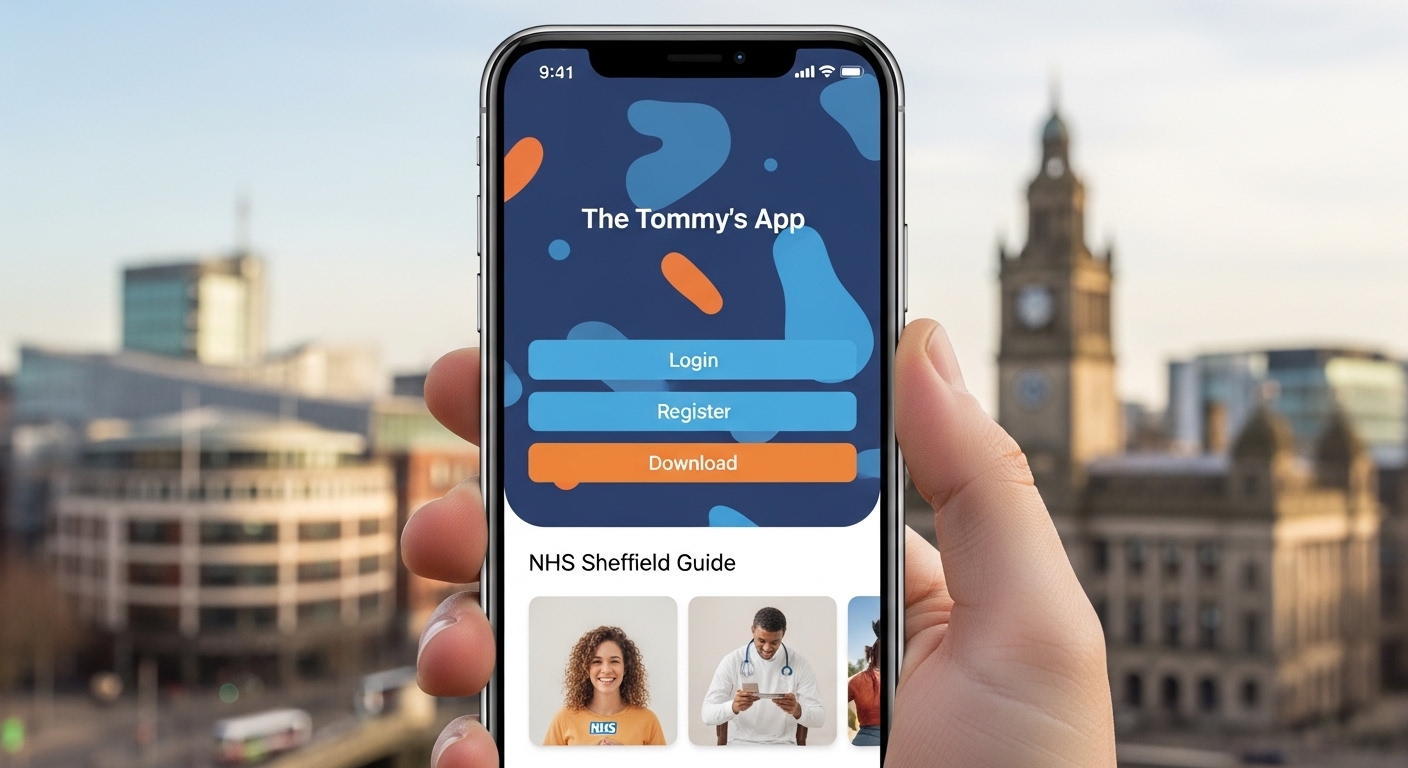
Many women feel worried during pregnancy because they want the best care for themselves and their baby. They wonder if everything is going well and if they will get the right help at the right time. The Tommy’s app makes this easier. It is a simple online tool that helps pregnant women and their maternity team work together. Because it gives clear information and personalised advice, it supports better care throughout the pregnancy. This guide will explain everything in easy steps so you can feel more confident and ready.
What Is the Tommy’s App?
The Tommy’s app is a helpful online decision tool for pregnancy care. It is also called the Tommy’s Pathway. Doctors and midwives use it with you to check the chance of certain problems, such as a baby coming too early or issues with the placenta. After that, it suggests the right care based on your own needs.
For example, imagine you go to your midwife appointment. Instead of a simple checklist, the tool looks at your health history, scan results, and other details. This means it can give a more accurate picture. In addition, you can see your own information in simple words. That’s why many women say it helps them understand and ask good questions during visits. Over time, this shared tool aims to make pregnancy safer by catching risks early and offering the right support.
Another thing is that the Tommy’s app is web-based. This means you do not need to find it in an app store. You simply open your phone browser or computer and type the address. Because it works on any device with internet, it feels easy to use at home or on the go.
Why the Tommy’s App Matters for Pregnancy Care
Pregnancy brings many changes, and every woman is different. Some need extra checks, while others feel fine with normal care. The Tommy’s app helps because it looks at real facts from your appointments. Next, it creates a plan that fits you.
For instance, if the tool shows a higher chance of early birth, your team might plan more monitoring. On the other hand, if risks are low, you might avoid extra visits you do not need. This personalised approach feels fair and thoughtful. In addition, it connects you directly with trusted pregnancy information. You can read simple explanations about what is happening week by week.
Many women in places like NHS Sheffield have started using it. Because Sheffield was one of the first hospitals to try the tool, local maternity teams have good experience with it. This means you can feel supported if you live in that area or receive care there.
How to Access the Tommy’s App – No Download Needed
People often search for tommy’s app download, but there is good news. You do not download anything from an app store. Instead, the Tommy’s app is a website that opens in your browser. This makes it quick and simple for everyone.
First, make sure you have a steady internet connection. After that, open the browser on your phone, tablet, or computer. Type www.tommysapp.org into the address bar. You can also scan a QR code if your hospital gives you one.
Because it is web-based, it works on most devices. For example, you might check it while waiting for a scan or at home in the evening. Another thing is that your information stays safe and private, as the tool follows strict NHS rules for protecting personal details.
Tommy’s App Register – Easy Steps to Get Started
Registering on the Tommy’s app is the first important step. Many women do this before their next midwife visit. This means your team can see your details when you meet.
Here is how it works in simple steps. Go to the homepage at www.tommysapp.org. Look for the button that says sign up or log in as a woman or pregnant user. Click the sign up tab. Next, enter your email address and create a strong password.
After that, the app will send a message to your email to check it is really yours. Open your email, including the junk folder if you do not see it right away. Click the link to verify. Once done, you will answer some questions about your health and pregnancy. These are the same kinds of questions your midwife asks, such as past health or current symptoms.
Finally, choose your hospital, like one in Sheffield if that is where you go for care. This connects everything smoothly. Because you fill this in yourself, it saves time at appointments and helps create your personal plan faster. Remember to keep your password safe so only you can enter.
Tommy’s App Login – How to Get Back In
After you register, logging in becomes easy. Many women check the tool regularly, so they want a quick way back.
Open your browser and go to www.tommysapp.org again. Click on log in. Type the email and password you chose. That’s it – you are inside. If you forget your password, there is usually a simple way to reset it by email.
In addition, the login lets you see your care recommendations and any updates from your appointments. For example, after a scan, new information might appear that you can discuss with your midwife. This shared view builds trust because everyone sees the same clear picture.
Tommy’s App NHS Sheffield – Special Help for Local Women
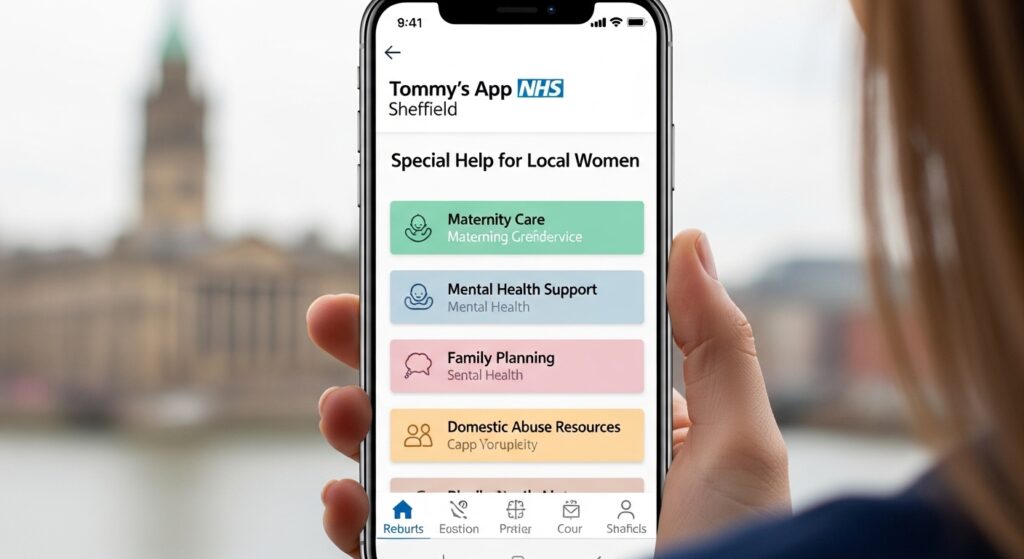
If you receive care through NHS Sheffield, the Tommy’s app can feel especially useful. Sheffield’s Jessop Wing was one of the first places in the country to use this tool. Because the teams there have training and experience, they know how to explain it well during visits.
When you register, select your Sheffield hospital. This means your maternity team can link your information directly. Next, during appointments, they can talk with you about what the tool shows. For instance, they might explain why extra scans could help or why everything looks good.
Another benefit in Sheffield is the focus on clear communication. The app uses simple language so you do not feel confused. Over time, as more hospitals adopt similar tools, care becomes more equal no matter where you live. But right now, early users in Sheffield get to try this modern support first.
What You Can Do Inside the Tommy’s App
Once logged in, the Tommy’s app offers several helpful parts. First, you see your own risk assessment in easy words. It tells you about chances of preterm birth or placenta problems. After that, it suggests care steps that match national guidelines.
You can also find a resources section with links to reliable pregnancy information. For example, if you notice changes in baby movements, the app might point you to clear advice on what to do next. In addition, it helps you prepare questions for your midwife. Many women say this makes appointments feel more useful because they already understand some basics.
Because the tool updates with new details from scans or tests, your plan can change if needed. This keeps everything fresh and personal. Another thing is that it encourages you to stay involved in your care, which can make you feel stronger and more prepared for birth.
Common Questions About Using the Tool
Here are some natural questions many women ask about the Tommy’s app, with clear answers.
How long does it take to register?
Most women finish in just a few minutes if they have their basic details ready. Take your time and ask for help if needed.
Is my information safe?
Yes. The tool follows strict NHS safety rules, and only you and your approved maternity team can see your profile.
What if I need help filling the forms?
Your midwife or hospital staff can guide you. Some places even let a team member help set it up during a visit.
Can my partner see it too?
The main login is for you, but you can share your screen or talk about what you see together at home.
Does it replace my midwife appointments?
No. It works alongside your regular care to make discussions better, not to replace face-to-face talks.
What if I change hospitals?
You can update your details in the app, and your new team may be able to connect if they use the tool.
Will it work on my old phone?
As long as you have a browser and internet, it should open fine. Test it at home first.
Tips to Get the Most from the Tommy’s App
To feel confident, start early. Register before your next appointment so everything is ready. After that, check the app a day or two before visits. Write down any questions it raises.
For example, if it mentions extra monitoring, ask your midwife to explain why it fits your situation. In addition, use the information links to learn more about healthy pregnancy habits, such as good food or rest. Over time, this habit of staying informed can reduce worry because you know what to expect.
Another useful tip is to keep your email and password in a safe place. If you switch phones, the web version still works the same way. Because the tool grows with your pregnancy, returning to it regularly helps you track changes in a calm way.
Mistakes to Avoid When Using the Tool
Some women wait too long to register and then feel rushed at appointments. That’s why it is better to sign up as soon as your hospital suggests it. Another common mistake is skipping the email check step, which can delay access. Always look in your junk folder.
In addition, do not enter wrong information just to finish quickly. Honest answers help the tool give the best advice for you. Finally, remember the app supports but does not replace talking with your doctor or midwife. Share what you see so you can decide together.
Looking Ahead with Better Pregnancy Support
As years go by, tools like the Tommy’s app may become normal in more NHS places. Because it uses careful methods to personalise care, it helps reduce serious problems such as stillbirth or early birth. Women in Sheffield and other early areas already see how it brings everyone onto the same page.
You might feel more in control when you can view your plan in simple words. Next, this shared understanding often leads to calmer pregnancies and better talks with your care team. In the future, even more features could appear to make support stronger.
Conclusion
The Tommy’s app brings together pregnant women and their NHS teams in a clear and helpful way. From easy register and login steps to personalised care suggestions, it supports safer and more confident pregnancies. In places like NHS Sheffield, it has already started making a difference by offering the right care at the right time.
Remember, start by visiting the website, register thoughtfully, and use the information to prepare for your appointments. Each small step adds up to better understanding and peace of mind. Pregnancy is a special journey, and having clear tools beside you can make it feel a little smoother and brighter.
Disclaimer:
This article is for general information only. It does not replace professional medical advice. Always speak to your midwife, doctor, or NHS maternity team for personal guidance. The Tommy’s app is an NHS-supported tool available in some hospitals. Availability, features, and access may vary. Please check directly with your local maternity service for the latest information.
Explore More:
Tapestry App Download Guide: How to Install, Sign Up, and Start Using It Easily
Is the National Lottery App Down Right Now? Here’s How to Check
Tommys App Explained: Everything You Need to Know Before You Install It
About the Author




