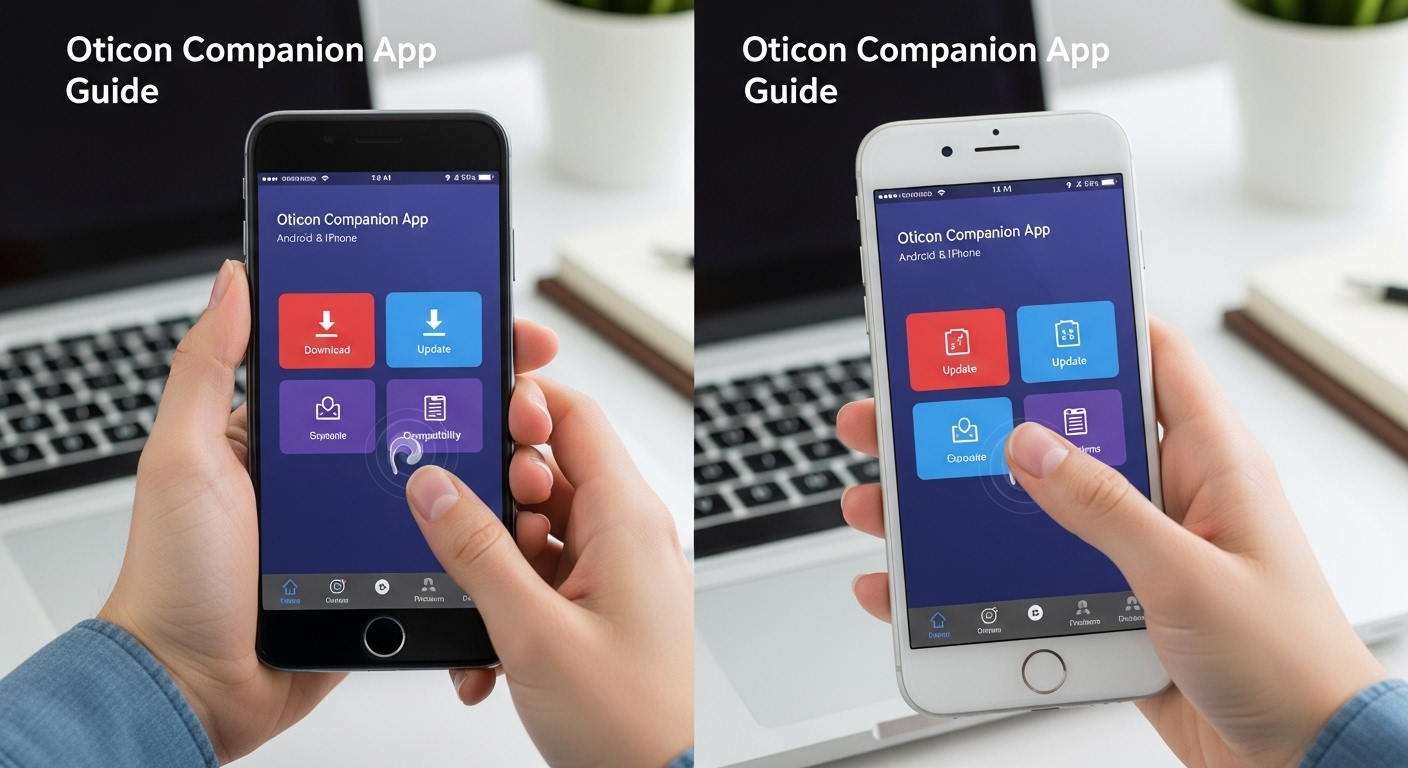
Many people with hearing aids want an easy way to control their devices every day. The Oticon Companion App helps with that. It lets you change volume, switch listening programs, check battery levels, and do much more right from your phone. Because it works on both Android and iPhone, lots of users look for the Oticon Companion App download. This guide explains everything step by step so you can feel confident using it. After that, you will know how to install it, update it, check compatibility, and solve common issues.
What Is the Oticon Companion App?
The Oticon Companion App is a simple tool made for Oticon hearing aids. You use it on your smartphone to control your hearing aids without touching them all the time. For example, you can quietly adjust the sound while you sit in a noisy café or watch TV at home.
Another thing is that the app also helps you find your hearing aids if you lose them. It shows battery status so you never get surprised by low power. In addition, it connects you to your hearing care professional for remote help when needed. This means you can get adjustments without always visiting the clinic. Over time, many users say the app makes daily life smoother because it gives them more independence. That’s why the Oticon Companion App has become popular for people who wear Oticon hearing aids.
Oticon Companion App vs Oticon ON App
Some people still remember the older Oticon ON App. The new Oticon Companion App replaced it for most users. The Companion version brings together control features and remote care in one place. This makes things simpler because you do not need two separate apps anymore.
For instance, the old ON app worked well for basic changes, but the Companion app adds helpful extras like better sound tools and easier access to professional support. If you have an older hearing aid model from 2016 to 2018, you may need a firmware update first. After that, the Companion app usually works fine. Many people like the cleaner look and smoother feel of the new app. However, some features like advanced tinnitus options or HearingFitness appear only in the Companion version for certain hearing aids.
How to Download and Install the Oticon Companion App
Installing the app is easy and takes just a few minutes. First, open the Google Play Store on your Android phone or the Apple App Store on your iPhone. Next, search for “Oticon Companion.” Tap the official app from Oticon and press install.
For Oticon Companion App for Android, make sure your phone runs Android 8.0 or newer for basic use. Many users find it works best with Android 10 or higher. After the download finishes, open the app. It will guide you to pair your hearing aids. Turn on Bluetooth and place your hearing aids close to the phone. Follow the simple steps shown on the screen.
For Oticon Companion App for iPhone, you need iOS 15.0 or later. The app also works with iPad and even Apple Watch for quick volume changes. After you install Oticon Companion App for iPhone, open it and allow Bluetooth access when asked. Then pair your hearing aids by putting them in pairing mode. This usually means turning them off and on again. Once paired, the app remembers your hearing aids so they connect automatically next time.
Step-by-Step Oticon Companion App Guide and Instructions
After you install the app, learning the main features feels natural. Open the app and look at the home screen. You will see options to change volume for each ear separately. Slide your finger up or down to make sounds louder or softer. This helps in different places, like making voices clearer in a busy family dinner.
Next, switch listening programs with a simple tap. For example, choose a quiet mode for reading at home or a noisy mode for walking in traffic. The app also has a sound equalizer. You can gently adjust high or low sounds to match what you like best.
Another useful part is the streaming equalizer. When you watch videos or take calls, the app lets you fine-tune the sound coming into your hearing aids. In addition, you can use your iPhone or iPad as a remote microphone. Place the phone near the person speaking, and their voice comes clearer to you.
The Find my hearing aids feature is great if you misplace one. The app shows an approximate location on a map. Many people say this saved them time searching under cushions or in bags. There is also a battery check that tells you the exact level for both ears. Over time, these small tools add up and make wearing hearing aids less stressful.
For more detailed Oticon Companion App instructions, the app itself has helpful tips inside. You can also find official quick guides on the Oticon website. These explain each button clearly with pictures.
Oticon Companion App Compatibility
Before you download, check compatibility to avoid disappointment. The Oticon Companion App compatibility works with most Oticon hearing aids that have Bluetooth technology. Older models from 2016-2018 often need a simple update at your hearing clinic first.
For phones, Android devices need version 8.0 or higher, while iPhones need iOS 15.0 or later. Not every phone model streams audio perfectly, so it is wise to check the official compatibility list on the Oticon site. This list tells you exactly which phones work best for direct streaming of calls and music.
Oticon Companion App Android compatibility is good on many popular phones, but performance improves with newer models. On iPhone, the app feels very stable for most users. If your hearing aids are very old, the app may not connect until they get updated. Always ask your hearing care professional to check your specific model.
How to Update the Oticon Companion App
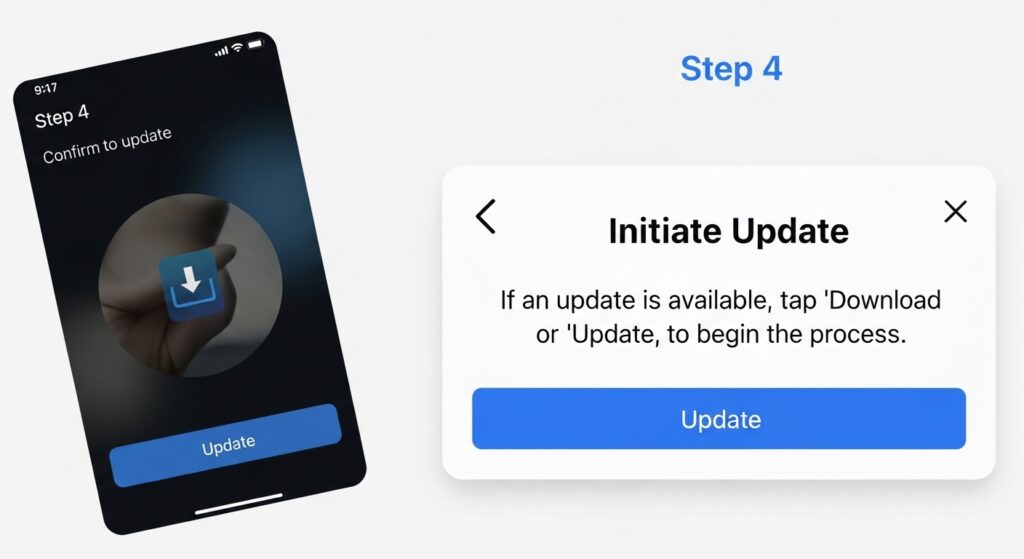
Keeping the app fresh helps it run smoothly. Oticon Companion App update happens automatically in most cases, but you can check manually too. On Android, open the Google Play Store, tap your profile, and look for “My apps & games.” Find the Oticon Companion app and tap update if available.
On iPhone, go to the App Store, tap your profile picture, and scroll to see pending updates. Install the latest version right away. Updates often fix small bugs and add new helpful tools. For example, recent updates improved connection speed and made the interface even easier to read. After updating, open the app and let it reconnect to your hearing aids. This usually takes only a few seconds.
Common Problems with Oticon Companion App and How to Fix Them
Even good apps can have issues sometimes. Many people search for help with Oticon Companion App problems or Oticon Companion App not working. One frequent issue is the app keeps disconnecting. This can happen if too many other devices try to connect to your hearing aids at once.
To fix Oticon Companion App keeps disconnecting, try these simple steps. First, restart your phone completely. Next, close the app fully and open it again. Make sure Bluetooth stays on and your hearing aids are within a few feet of the phone. If the problem continues, go into the app settings and choose to unpair and then pair the hearing aids again. Some users found that removing old “ghost” connections from other tablets or phones solved the issue completely.
Another common complaint is slow connection or the app not showing both hearing aids. In this case, place the hearing aids close to the phone and restart them by opening and closing the battery door. Also, update your phone’s operating system and the app itself.
Battery drain is another thing some users notice. The app uses Bluetooth, so it can use more power than simple games. To help, close the app when you do not need it and keep your phone software up to date.
For problems with Oticon Companion App, the app has a built-in troubleshooting section. Open the menu and look for help or support. It gives clear steps for most issues. If nothing works, contact your hearing care professional. They can update the hearing aid software quickly during a visit or remote session.
Oticon Companion App Reviews from Real Users
People share different Oticon Companion App reviews online. Many like how easy it is to change volume and programs with one hand. They say the clean design feels modern and the remote care feature saves travel time. Some users give high marks because the app stays connected well on newer phones.
On the other hand, a few mention occasional disconnects or higher battery use. Most agree that updates keep making the app better. Overall, the Oticon Companion App review picture shows it helps daily life when set up correctly. Beginners especially appreciate the simple buttons and in-app tips.
FAQ About the Oticon Companion App
Here are answers to common questions people ask.
What is Oticon Companion App exactly?
It is a free app that lets you control your Oticon hearing aids from your phone with simple touches.
Can I install Oticon Companion App on any phone?
No. You need a compatible Android or iPhone with the right operating system version. Always check before you download.
Where do I find Oticon Companion App instructions PDF?
Official instructions are available on the Oticon website or inside the app itself. They explain every feature clearly.
Why does my app keep disconnecting?
This often happens because of interference or too many connected devices. Restarting everything and re-pairing usually fixes it.
Is there a big difference between Oticon Companion App and the old ON app?
Yes. The Companion app combines features into one place and adds new tools like improved remote support.
Do I need to update my hearing aids for the app to work?
For older models, yes. Visit your hearing professional for a quick firmware update.
Will the app work with my Apple Watch?
Yes, on compatible iPhones. You can change volume and programs discreetly from your wrist.
Conclusion
Learning about the Oticon Companion App download, setup, and use opens up a more comfortable way to live with hearing aids. From easy volume changes to finding lost devices and getting remote help, the app puts control in your hands. Remember to check compatibility first, keep everything updated, and follow simple troubleshooting steps when needed. With a little practice, the app becomes a natural part of your day and helps you hear the world more clearly.
Take time to explore the features slowly. Many people discover new helpful tricks after using it for a few weeks. Stay patient with any small issues because updates and professional support usually solve them fast. In the end, the goal is simple: enjoy better hearing with less effort every single day.
Disclaimer:
This article provides general information based on publicly available details about the Oticon Companion App as of 2026. It is not official advice from Oticon or any medical professional. Compatibility, features, and performance can vary by device, hearing aid model, software version, and individual setup. Always check the latest requirements on the official Oticon website, consult your hearing care professional before making changes, and refer to the app’s built-in instructions or user manual for accurate guidance. We do not guarantee that all features will work on every device or that the app will resolve every possible issue. For medical or technical support, contact Oticon directly or your licensed hearing specialist.
Explore More:
TalkTalk Mail App Download Free for Android, iPhone, iPad & Windows 10 (Latest Version)
Hesgoal App Download Free (Latest Version) for Android, iPhone, Smart TV, PC & Firestick URL
About the Author




