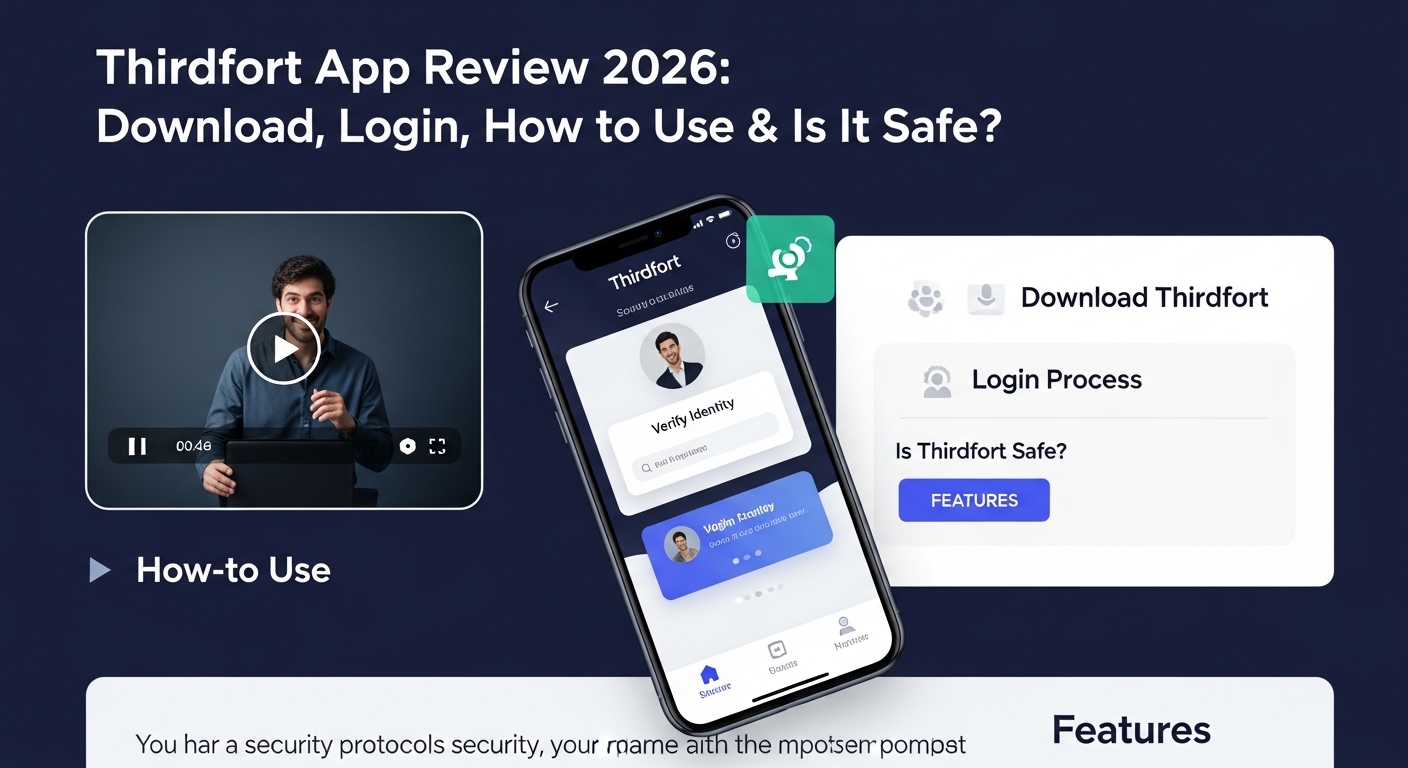
Many people in the UK need to prove who they are when they buy a house, rent a place, or work with a lawyer. In 2026, this process has become much easier because of special tools like the Thirdfort app. This app helps you verify your identity and share important papers safely from your phone. You do not need to print anything or visit an office. That is why so many people now use it for property deals and legal work. Over time, it has helped more than two million people finish their checks quickly and without stress. In this guide, you will learn everything about the Thirdfort app in simple steps. You will also see how it fits into daily life for families and individuals across the UK.
What Is the Thirdfort App?
The Thirdfort app is a free tool that lets you prove your identity in a safe way. Lawyers, estate agents, and other professionals ask for this because of strict rules to stop fraud and money problems. After that, you can share your details without sending letters or going to meetings in person. This means you save time and feel more comfortable doing everything from home.
For example, imagine you want to buy your first home. Your lawyer needs to check that you are really you and that your money comes from a good place. Instead of collecting many papers, you just use the app. It uses your phone camera to read your passport or driving licence. In addition, it can connect safely to your bank to show your statements when needed. Because of this, the whole process becomes simple and quick. Many people say it feels like magic compared to old ways that took days or weeks.
Another thing is that the app keeps your information very safe. It only holds your data for a short time while the check happens. After the check finishes, the information goes to your professional helper, and nothing extra stays behind. This makes parents and families feel better when they handle big life changes. Even though the main focus is on property and legal work, the secure way it works can help in other careful situations too.
Why Do People Use Thirdfort in 2026?
In 2026, rules for checking identity have become stricter to protect everyone from tricks and fake papers. That is why professionals now often send a message with a link to the Thirdfort app. You open the link, and it guides you step by step. This change happened because old methods caused delays and mistakes. Now, with the app, things move faster, and there is less chance of error.
For families going through changes, such as moving to a new home after separation, this tool helps a lot. You can finish your part without extra worry. Also, many co-parenting situations involve sharing addresses and details for children’s schools or activities. A secure app like this keeps everything private and correct. Free co-parenting apps exist for daily talk between parents, but for official checks like moving house, Thirdfort does a different job that needs high safety.
In the UK, people often look for free co-parenting app UK options or best co-parenting app UK choices to handle schedules and messages. At the same time, when they need to prove identity for a new rental or purchase, they turn to something strong like Thirdfort. Parenting app UK tools focus more on communication, while this one focuses on secure verification. Both kinds of apps help families live smoother lives, but they serve different needs.
How to Download the Thirdfort App
Downloading the app is the first easy step. Usually, your lawyer or agent sends you a text message with a special link. You tap that link, and it takes you straight to the right place to get the app. If you do not get a link, you can search for “Thirdfort” in the Apple App Store or Google Play Store on your phone.
Next, make sure your phone or tablet can run the app. It works on most modern phones and tablets. After you find it, tap the button that says “Get” or “Install.” The download happens quickly because the app is not very big. Once it finishes, you will see the Thirdfort icon on your screen. Many users say this part feels just like adding any other helpful tool to their phone.
For people who do not have a smartphone, they can ask a trusted family member or friend to help. That is why the process stays flexible. In 2026, more people use phones for everything, so this step has become normal for most adults in the UK.
How to Login and Get Started with Thirdfort
After you download the app, opening it for the first time is simple. You will see some short introduction screens that explain what the app does. Read them carefully because they give useful tips. Then, you accept the privacy rules, which tell you how your information stays safe.
Next, enter your mobile phone number. The app sends a code to that number. You type the code in to prove it is really your phone. This step adds extra safety. After that, the app asks you to choose the right task or transaction. For example, it might say “Property purchase” or “Rental check.” Pick the one that matches why your professional asked you to use the app.
From here, the app guides you through small tasks one by one. You might need to take a clear photo of your face and your ID document. The camera helps you line it up properly so the picture comes out good. Another thing is that sometimes you need to answer simple questions about where your money comes from. Because the questions are straightforward, most people finish this part in just a few minutes.
If you make a small mistake, like a blurry photo, the app often lets you try again right away. Support inside the app can help too if something feels stuck. Over time, users learn that staying calm and following the on-screen instructions makes everything go smoothly.
Step-by-Step Guide: How to Use the Thirdfort App
Let us break the full use into clear steps so you never feel lost. First, open the app after login. It shows your pending tasks. Tap on the one you need to complete.
Step one: Verify your identity. Hold your passport, driving licence, or another accepted ID in front of the camera. The app reads the chip inside many modern documents automatically. This means it checks the document is real without you doing extra work.
Step two: Take a selfie. Look straight at the camera and follow any moving instructions, like turning your head slightly. This proves you are a real person right now, not a picture or fake video.
Step three: Share your address details. You can type your current home address or let the app check it in a safe way.
Step four: Provide source of funds information if asked. This might mean connecting your bank safely for a short time. The connection uses special protected technology, so your full bank details never get shared wrongly. For example, if you sold a car or received a gift, you can explain it simply inside the app.
After you finish each part, the app sends a report to your lawyer or agent. You get a message when everything is done. This whole flow usually takes less than fifteen minutes. That is why people like it so much compared to old paper methods.
If you are also using other tools for family life, such as a co parenting app or free co parenting app, you can handle different tasks on different apps without mixing them up. A parenting app for communication keeps messages about children private, while Thirdfort handles the official identity part.
Reviews and What Real Users Say About Thirdfort
People have shared many thoughts about the Thirdfort app over the years. On app stores, it often gets good ratings because it saves time and removes stress from big tasks. Many users say, “It worked well and finished fast.” They like that they can do it at home in the evening after work or while the children sleep.
Some reviews mention small problems, like trouble with a blurry photo or needing to try a step twice. When that happens, the support team inside the app usually replies quickly and helps fix it. In 2026, updates have made the camera part better and added clearer instructions.
Another common positive point is the feeling of safety. Users know their information gets protected with strong methods. For families using best co parenting app UK options like court-approved tools, they appreciate when identity checks also feel reliable and private. A few people wish the app could fix mistakes more easily if they type something wrong, but most agree the good parts are stronger than any small issues.
Overall, reviews show that the app helps thousands of people every month with property moves and legal needs. Parents who separate and later buy or rent new homes say it made that part less complicated while they focused on co-parenting duties.
Common Mistakes to Avoid When Using the Thirdfort App
Even though the app is easy, a few simple mistakes can slow you down. First, always use a clear, well-lit place when taking photos. Poor light makes the camera struggle. Sit near a window during the day or turn on bright lights.
Second, check that your phone number is correct before you start. The login code goes to that number, so any mistake causes delays. Also, make sure your ID document has not expired.
Third, read every screen carefully before you tap “Next.” Rushing can mean you miss a small detail and need to start a section again. In addition, if the app asks for bank connection, only do it if you feel comfortable. You can always ask your professional for another way if needed.
For parents busy with children, try to complete the tasks when you have quiet time. That way, you stay focused. Many free parenting app users already plan their day around calm moments, and the same idea works well here.
Tips for a Smooth Experience in 2026
In 2026, the app has newer safety features to fight advanced tricks, such as fake videos. Keep your phone software updated so everything runs well. Also, have your ID ready before you open the app. This small preparation saves time.
If you use the app for a family move, talk with your co-parent about who handles which parts. Some families use a co parenting app free version to note shared tasks, and this keeps everyone organized.
Another helpful tip is to keep the confirmation messages the app sends you. They prove you finished your checks. Store them safely in your phone or email.
How Thirdfort Helps in Different Life Situations

Think about a young couple buying their first flat. They both download the app and finish their checks on the same evening. Because of this, their lawyer can move forward without waiting for posted papers. The couple feels proud that they handled it themselves.
Now picture a parent who is moving to a new area after family changes. They need to prove identity for a rental agreement. The app lets them do it while the children play nearby. Later, they can use a separate parenting app UK tool to manage visit schedules and school notes.
Even in busy cities like London or smaller towns, the app works the same. It does not matter where you live, as long as you have a phone and internet. This fairness helps many different kinds of families.
Conclusion: Making Life Easier with Simple Tools
The Thirdfort app has changed how people handle identity checks in the UK. It offers a safe, quick way to prove who you are and share needed information without old troubles like printing and posting. You download it easily, login with your phone number, and follow clear steps that fit into daily life. Many users finish everything in minutes and feel good about the security it provides.
While other tools, such as co parenting app options or free co parenting app court-approved choices, help with daily family talk and schedules, Thirdfort focuses on important official steps. Together, these different apps support families through big and small moments. In 2026, technology like this continues to grow and make processes fairer for everyone.
Remember to stay patient, read instructions, and ask for help if you need it. Small steps with good tools can remove a lot of worry from life changes. Whether you are moving house, starting fresh, or simply following professional requests, the Thirdfort app stands as one helpful option that keeps things moving forward in a safe way.
Disclaimer:
This article provides general information only and is for educational purposes. It is not official advice from Thirdfort or any company. Details about apps can change, so always check the latest information directly from official app stores or the service provider. The author is not connected to any app or service mentioned and does not endorse any product. For personal help, contact your lawyer, professional advisor, or the app support team. This content aims to answer common questions in simple language and does not replace official guides or legal recommendations.
Explore More:
Talaxy App Download & Login Guide (Davenant, TRA & St Bede’s Talaxy App)
Parenting App UK (2026): Best Free Co-Parenting App for Communication (Court-Approved)
About the Author




