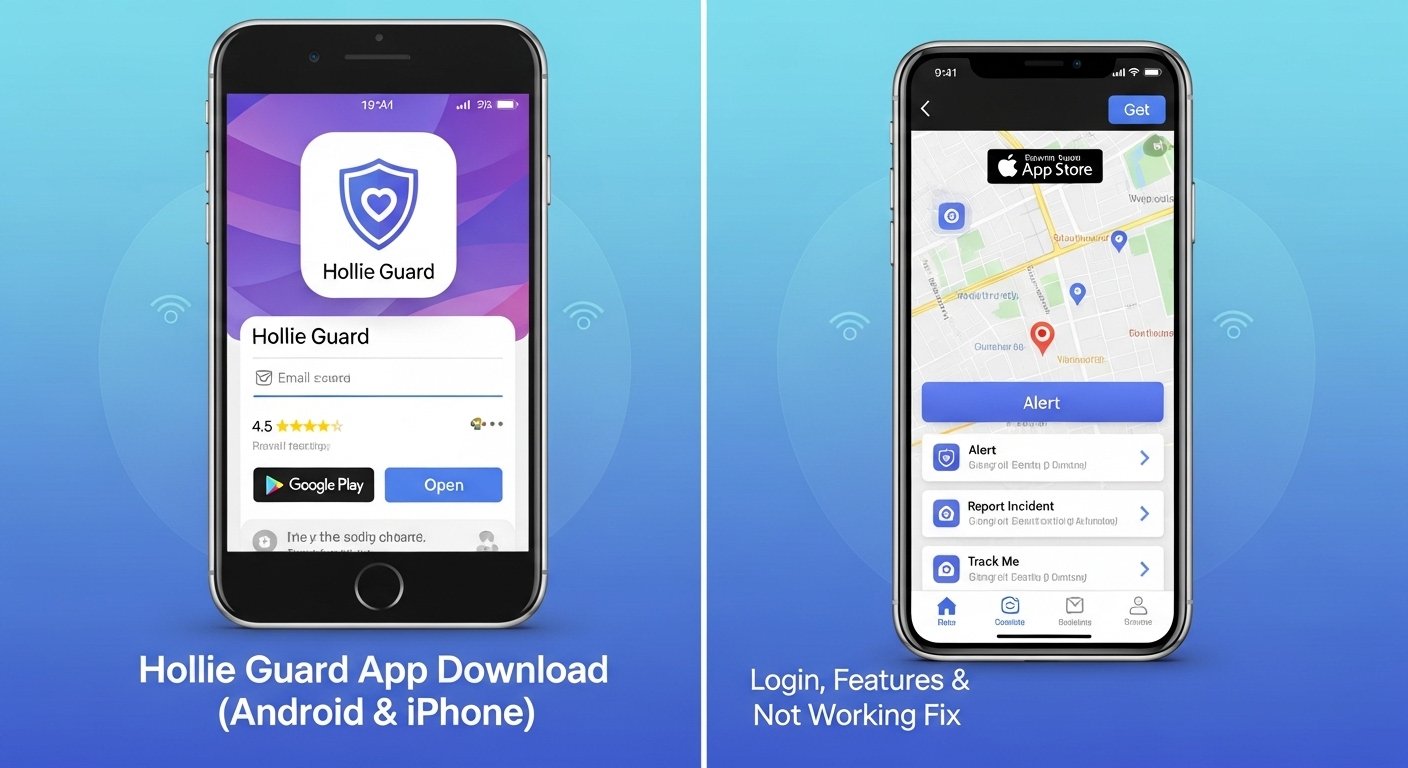
Many people feel worried when they walk alone at night or travel to new places. They want a simple way to stay safe without carrying extra tools. This is where the Hollie Guard app comes in. The Hollie Guard app turns your phone into a helpful safety device. It lets you send quick alerts to friends or family if something feels wrong. Because it works on both Android phones and iPhones, lots of people can use it easily. In 2026, the app still helps thousands of users every day with its clear tools for safety.
You do not need special skills to start. After you download the Hollie Guard app, you set up a few things and feel more protected right away. This article explains everything step by step in easy words. You will learn how to get the app, how to log in, what the main features do, and what to do if problems come up. Over time, many users say the Hollie Guard app gives them peace of mind because it records proof and shares your exact spot fast. Next, we will look at why this app matters and how to begin using it safely.
What Is the Hollie Guard App and Why Does It Matter?
The Hollie Guard app is a free personal safety tool made by the Hollie Gazzard Trust in the UK. It started to help people stay safe from danger like violence or accidents. The app works quietly in the background on your phone. This means you can go about your day without thinking about it all the time. For example, if you feel scared on a dark street, you just shake your phone or tap a button. Right away, the app starts recording sound and video where possible. It also sends your location to people you trust.
Another thing is that the app helps in everyday moments too. Maybe you are walking your dog after work or taking a late bus home. The Hollie Guard app can watch over you during these times. In addition, it has special parts for journeys and even falls. That’s why many families and lone workers like it. Over time, updates have made the app better at saving battery and working smoothly on new phones. Because safety matters to everyone, the Hollie Guard app gives simple help that fits real life.
How to Download the Hollie Guard App on Your Android Phone
Getting the Hollie Guard app on an Android phone takes just a few minutes. First, open the Google Play Store on your phone. Next, type “Hollie Guard” in the search bar at the top. You will see the official app by Panic Guard Ltd. Tap on it to read the short description. After that, press the green Install button. The app will download quickly because it does not take much space.
Once it finishes, open the app. This means you are ready to set things up. Make sure your phone runs Android 11 or newer for the best results. In 2026, the latest version has small fixes that make it run even smoother. For example, it now handles location better without draining your battery fast. After you install, the Hollie Guard app asks for permission to use your location and camera. Say yes to all these so the app can work well when you need it. This step is important because the app needs these tools to send help quickly.
How to Download the Hollie Guard App on Your iPhone
Downloading the Hollie Guard app on an iPhone is just as easy. Start by opening the App Store on your iPhone. Then search for “Hollie Guard Personal Safety.” The official one from the Hollie Gazzard Trust will show up. Tap Get to download it for free. The app works on iOS 14 and newer, so most newer iPhones can use it without trouble.
After the download finishes, tap Open. The Hollie Guard app will guide you through the first steps. In addition, recent updates in 2026 added better support for new iPhone features like lock screen widgets. This means you can check your safety settings faster. Another thing is that the app now links nicely with your phone’s health tools to save power when you sit still. Because Apple phones change often, these updates keep the Hollie Guard app working great year after year.
How to Login to the Hollie Guard App and Set Up Your Account
Logging into the Hollie Guard app is simple once you have it on your phone. First, open the app after you download it. You will see a screen to create an account. Enter your mobile number without the zero at the start. Next, make a four-digit PIN code that you can remember easily. This PIN helps you log in fast every time. After that, the app may ask you to add your email too.
This means your account stays safe and easy to reach. You can also turn on face or finger login if your phone has it. That’s why many people like this option because it saves time. Now add your emergency contacts. Pick three or four trusted people like family or close friends. Give their phone numbers and emails. The Hollie Guard app will send them messages if you need help. In addition, set your profile details so the app knows basic facts about you. Over time, you can change these in the settings menu. Because good setup leads to better safety, take a few minutes here to get everything right.
Key Features of the Hollie Guard App That Make It Useful
The Hollie Guard app has many helpful features that work together to keep you safe. One main feature is the shake alert. You just shake your phone hard and the app starts working right away. It records audio and video evidence and sends your live location. For example, if someone follows you, this proof can help police later. Another feature is the big SOS button inside the app. You hold it down for a few seconds to start the same alert.
In addition, there is journey tracking. You tell the app where you are going and when you should arrive. If you do not get there on time, it sends an alert to your contacts. This means you never feel alone on a long trip. The app also has accident detection. It senses if you fall or stop moving suddenly and calls for help by itself. Another thing is the meeting timer. Set it for a short visit and get a check-in reminder. Because these tools fit many situations, the Hollie Guard app feels like a smart friend in your pocket.
You can choose stealth mode too. This hides the app so it looks like a normal lock screen. Or pick deterrent mode, which makes loud noise and flashes your light to scare off trouble. The Hollie Guard app stores all your alerts safely for later review. Over time, users learn these features make daily life less stressful.
Real-Life Examples of How the Hollie Guard App Helps
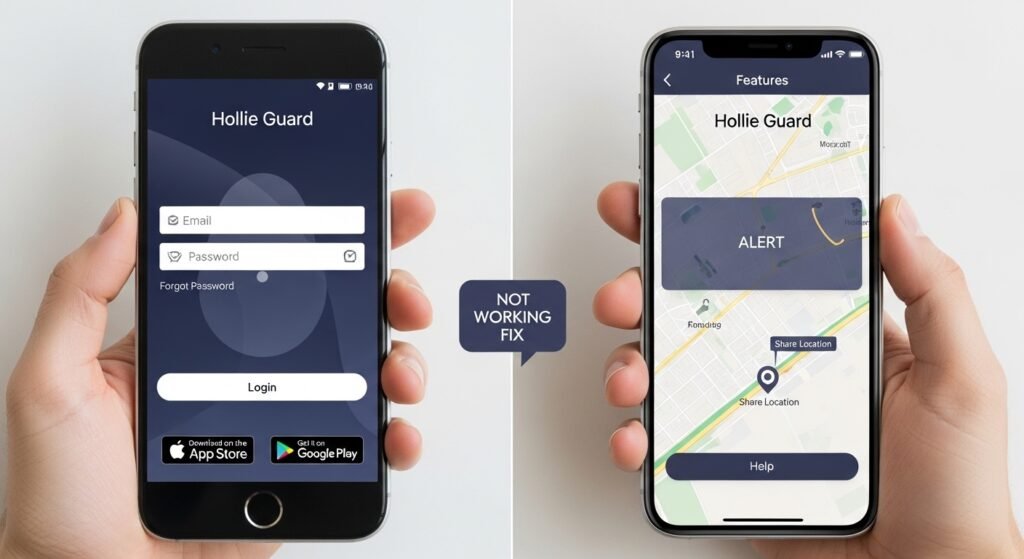
Picture this. You finish work late and walk to your car in a quiet parking lot. Suddenly you feel uneasy. With the Hollie Guard app, you shake your phone once. Right away, your family gets a message with your exact spot and a short video clip. They know to check on you fast. This real example shows how the app turns worry into quick action.
Another time, you take a bus to visit a friend. You set a journey in the app before you leave. If the bus gets stuck and you run late, your contacts get notified gently. In addition, suppose you trip on uneven ground while running. The accident detection feels the sudden stop and sends help without you doing anything. That’s why parents often tell their kids to use the Hollie Guard app when they go out alone. Because life has surprises, these examples prove the app gives simple protection every day.
What to Do If the Hollie Guard App Is Not Working – Easy Fixes
Sometimes the Hollie Guard app stops working well, but you can fix most problems yourself. First, check if the app logs you out often. This happens if you close it completely. Keep the app running in the background instead. Next, look at your phone settings. Make sure location is set to “Always Allow” and use precise location. Also turn on camera, microphone, and mobile data for the Hollie Guard app. Because these permissions help the alert work, missing one can cause trouble.
If the shake feature feels too sensitive or not sensitive enough, go into the app settings and adjust it. Another common issue is no video recording. Open your phone settings again and double-check the camera permission. In 2026, users report that turning on biometric login fixes many login problems. For example, face ID makes it easier to stay signed in. If alerts do not reach your contacts, test the system with a practice alert inside the app.
Over time, small phone updates can cause glitches. Restart your phone and update the Hollie Guard app from the store. If nothing helps, email the support team with your phone number. They usually reply quickly and check your account. This means most users get back to safe use in no time. Because quick fixes keep the app reliable, try these steps before you worry.
Helpful Tips for Getting the Most from the Hollie Guard App
Using the Hollie Guard app gets easier with a few smart tips. First, practice with a test alert once a week. This builds your confidence without real danger. Next, tell your emergency contacts about the app so they know what to expect if they get a message. In addition, keep your phone charged because the app uses some power for location tracking. You can turn on battery saver mode when you sit still for long periods.
Another thing is to review your alert history in the app or on the website. It shows past events and helps you remember what worked. Because the Hollie Guard app works best when updated, check the store for new versions every month. Also, use the in-app support page for short video guides. These explain each button in clear steps. Over time, you will notice the app fits your routine naturally. That’s why small habits like these make big differences in how safe you feel.
Conclusion
The Hollie Guard app offers a straightforward way to add safety to your daily life on both Android and iPhone devices. From easy download steps and quick login to helpful features like shake alerts and journey tracking, it covers many needs in simple ways. When problems appear, the fixes are clear and fast to try. In the end, the Hollie Guard app reminds us that small tools can bring big peace of mind. Stay safe by using what you learn here and always trust your own feelings in tough moments. With the right setup, you can move through your day feeling more secure and ready for whatever comes next.
Disclaimer:
This article is for informational purposes only and is based on publicly available information as of 2026. It is not affiliated with, endorsed by, or connected to the Hollie Guard app developers, the Hollie Gazzard Trust, or any related organizations. For the most accurate details, features, or support, please visit the official app stores or the Hollie Guard website directly. The content does not constitute professional safety advice, and users should always follow local laws and consult appropriate authorities for personal safety concerns. No guarantees are made regarding the app’s performance or availability.
Explore More:
GCSE Results App Students UK – Free Download, Login Guide & Not Working Fix (2026)
Free Plant Identifier App (No Subscription) – Best Totally Free Plant ID App for Android & iPhone UK
About the Author




