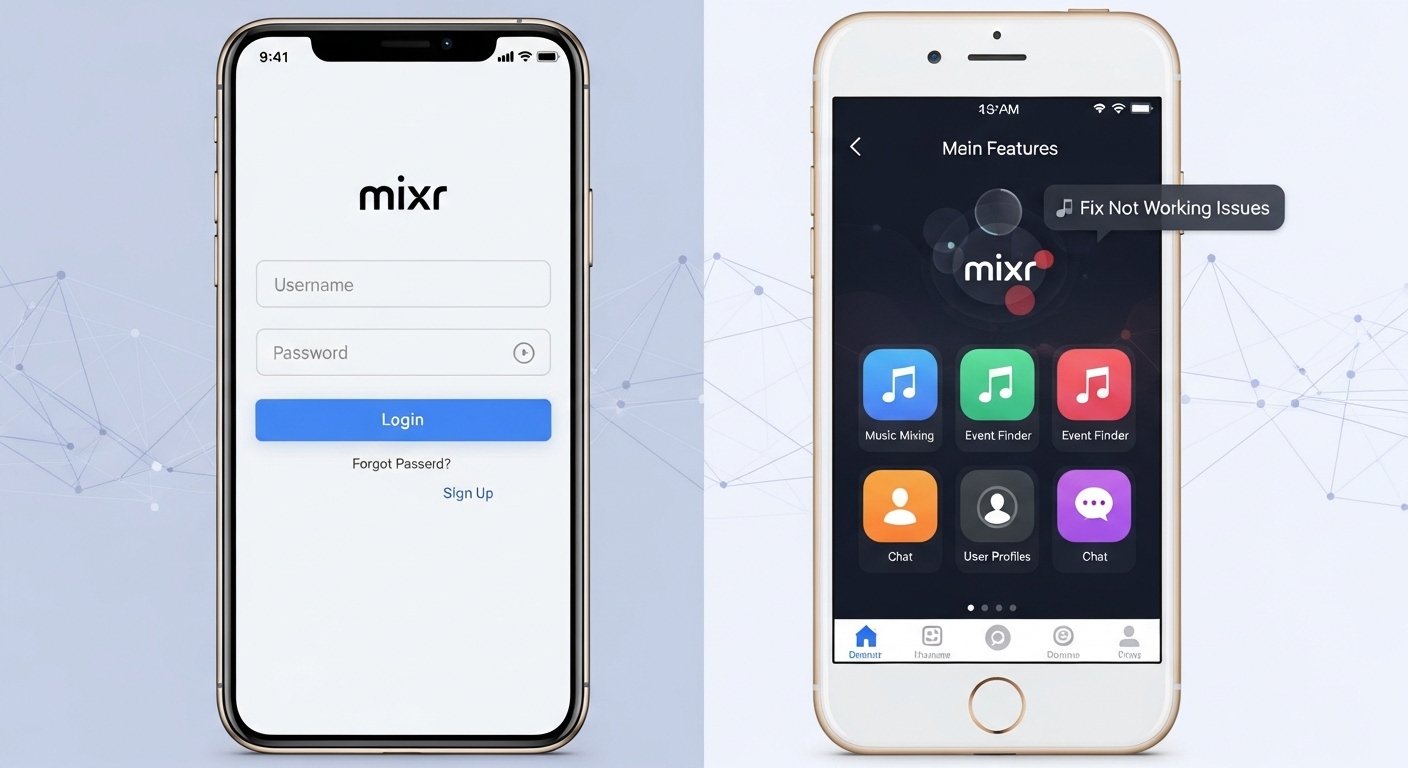
Many people like to go out with friends for fun nights. They visit pubs, bars, and clubs to relax and enjoy good times. That is why the Mixr app has become popular. This app helps you find great places to go out in the UK. It also lets you book spots easily and earn rewards for your visits. Because of these helpful tools, the Mixr app makes planning nights out simple and exciting. In this article, you will learn everything about the Mixr app download for Android and iPhone devices. You will also discover how to log in, explore its main features, and fix common problems. After that, you can use the app with confidence and enjoy better outings every time.
First, it helps to understand why the Mixr app matters. Imagine you and your friends want to try a new bar nearby. Without the app, you might search online and call places one by one. This takes a lot of time. Next, the Mixr app brings all the information together in one spot. Over time, it learns what you like and shows better suggestions. That is why many users say it saves them effort and money. In addition, the app works on both Android phones and iPhones. This means almost anyone with a modern smartphone can try it. Because the app is free to download, you lose nothing by giving it a chance.
How to Download the Mixr App on Android Phones
Downloading the Mixr app on an Android phone is quick and easy. First, open the Google Play Store on your device. This is the place where you get all safe apps. Next, type “Mixr” or “MiXR” in the search bar at the top. After that, look for the official app made by Stonegate Pub Company Ltd. Tap on it to see more details. You will notice it has many downloads and clear descriptions. Then, press the Install button. The app will download and set up on your phone right away.
Before you start, check a few important things. Your phone needs Android version 10 or newer. If it is older, the app will not work well. Also, make sure your Google account shows you are over 18 years old. Another thing is your location setting. The Mixr app is made for people in the UK, so set your store region to the UK if needed. Once the download finishes, open the app. You can now move to the login step. For example, many users download it while sitting at home and get ready for the weekend ahead.
How to Download the Mixr App on iPhone
The process for iPhone users is just as simple. Start by opening the App Store on your iPhone. This store keeps everything safe and easy to find. After that, search for “Mixr” or “MiXR” in the search box. Look for the app with the bright logo and the same developer name. Tap Get or the cloud icon if you see it. Your iPhone will ask for your Apple ID password or Face ID. Enter it, and the download begins.
You must have iOS 16 or a newer version for the app to run smoothly. That is why checking your phone settings first is smart. Go to Settings, then General, and tap Software Update. If an update is ready, install it. In addition, your Apple account should show you are over 18. Because the app focuses on UK nightlife, download it when your phone thinks it is in the UK. Once it finishes, the Mixr app icon appears on your home screen. Next, you can tap it and begin exploring right away. Many iPhone users enjoy how fast it opens and feels good in their hands.
Creating Your Account and Doing Mixr Login
After you download the Mixr app, you need an account to use it fully. Open the app and look for the Sign Up button. First, enter your email address. Use one you check often because important messages come there. Next, type in a strong password. It must have at least eight letters, one capital letter, one small letter, one number, and one special sign like @ or #. After that, add your UK phone number. The app only accepts numbers from the UK, so international ones will not work.
The app will send a code to your email or phone. This is called OTP, and you enter it to confirm. Because this step keeps your account safe, do it carefully. Once you finish, your account is ready. For Mixr login later, just open the app and type your email and password. You can also use Face ID or Touch ID on newer phones. This makes logging in fast and secure. For example, if you forget your password, tap the Forgot Password link. The app sends a reset email. Check your spam folder if it does not arrive quickly. Then follow the steps inside the email. Over time, this login process becomes very easy for regular users.
Key Features of the Mixr App
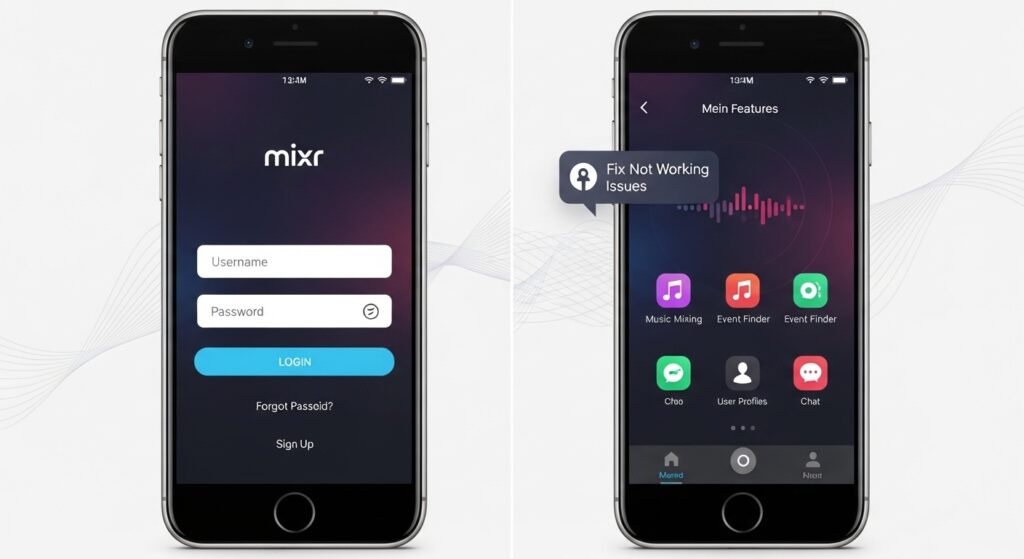
The Mixr app has many useful features that help you enjoy nights out more. One big feature is discovering new places. The app shows pubs, bars, and clubs near you. It also gives personalized recommendations. This means the app learns from your past choices and suggests spots you will like. For instance, if you enjoy quiet lounges, it shows more of those. Next, you can book tables directly in the app. You pick the date and time, and the place holds your spot. This saves you from waiting in long lines.
Another great feature lets you order food and drinks from your table. You scan a code or use the app, and your order comes fast. In addition, the app supports student perks. If you have a student card from UNiDAYS or Student Beans, you can verify it inside the app. After that, you get special discounts on food and drinks. MiXR SPORT is another fun part. It helps you find the best places to watch games and enjoy sports events with friends. Because all these features work together, planning becomes simple and fun.
How Rewards and Points Work in the Mixr App
Earning rewards is one of the best parts of the Mixr app. Every time you visit a place and scan your app, you collect points. These points add up quickly. For example, you might earn points for every pound you spend on drinks or food. Next, you can use those points for free drinks, discounts, or even queue jumps at busy clubs. The app sometimes gives a free drink just for signing up. Over time, loyal users get bigger rewards like VIP tables or special events.
You can track your points right on the home screen. This means you always know how close you are to the next reward. Another thing is gift cards inside the app. You buy them and use them at many venues. Because rewards make going out cheaper, many people keep coming back to the app. The system is fair and straightforward, so you feel good about every visit.
Planning Nights Out and Booking with the Mixr App
Planning a night out feels easy with the Mixr app. First, open the app and let it find places near you. It uses your location to show options. After that, read short descriptions and see pictures. Pick one you like and tap to book a table. You choose how many people and what time. The app confirms everything in seconds. In addition, you can pre-order drinks or food packages. This means everything is ready when you arrive.
For bigger groups, the app helps coordinate easily. You send invites through the app to friends. Because everything stays in one place, no one gets confused. Many users say this planning tool turns stressful evenings into smooth and happy ones.
Fixing Common Mixr App Not Working Issues
Sometimes the Mixr app stops working, but most problems have simple fixes. If the app will not download, check your phone first. Make sure you have the right operating system version. Android needs 10 or higher, and iPhone needs iOS 16 or higher. Next, confirm your location is set to the UK in the store. Also, your account must show you are over 18. If content restrictions are on, turn them off in your phone settings. After that, try downloading again.
If the app freezes or crashes often, update it right away. Go to the Play Store or App Store and check for new versions. Many updates fix these bugs. Another easy step is to uninstall the app and install it fresh. This clears old problems. For login troubles, make sure your app is updated. If the password reset link does not work on Android, go to phone settings, find the Mixr app, and set it as default for opening links. Then try the email again. Check your spam folder for any codes or messages. Emails can take up to five minutes to arrive.
If nothing works, contact support through the app or email hello@mixr.co.uk. Give them clear details about what happened. Because the team fixes issues quickly, most users get help fast. In 2026, the app has become more stable with regular updates. That is why trying these steps usually solves everything.
Helpful Tips for Using the Mixr App Better
To get the most from the Mixr app, follow a few smart tips. Always keep the app updated because new features arrive often. Turn on notifications so you never miss special deals or events. Next, add your Mixr card to your phone wallet for quick scanning at venues. Verify your student status early if you qualify. This unlocks extra savings right away. Another tip is to explore the missions section. These small tasks give bonus points and make using the app more fun.
Avoid common mistakes like using an old email you rarely check. Also, do not ignore update prompts. Because small changes can cause big problems later, staying current helps a lot. Try the app during quieter times first to learn how it works. Over time, you will discover new favorite spots and save money on nights out.
In the end, the Mixr app brings simple joy to planning and enjoying social times. It combines discovery, booking, rewards, and easy fixes into one helpful tool. You now know how to download it on Android or iPhone, complete the login, use its features, and solve any issues that pop up. With this knowledge, your next night out can be smoother and more rewarding. Remember to explore safely and have fun with friends. The Mixr app keeps getting better each year, so it stays a useful companion for good times ahead.
Disclaimer:
This article is for informational purposes only and is based on publicly available details about the Mixr app as of 2026. It is not affiliated with, endorsed by, or connected to the Mixr (MiXR) app, Stonegate Pub Company Ltd, or any related services. App features, requirements, availability, and troubleshooting steps can change at any time. Always download from official app stores, check the latest version directly in the Google Play Store or Apple App Store, and refer to the official Mixr website or support (hello@mixr.co.uk) for the most accurate and up-to-date information. This content does not constitute advice, promotion, or guarantee of any kind. Users are responsible for their own use of the app and any related activities.
Explore More:
Hollie Guard App Download (Android & iPhone) – Login, Features & Not Working Fix
GCSE Results App Students UK – Free Download, Login Guide & Not Working Fix (2026)
About the Author




