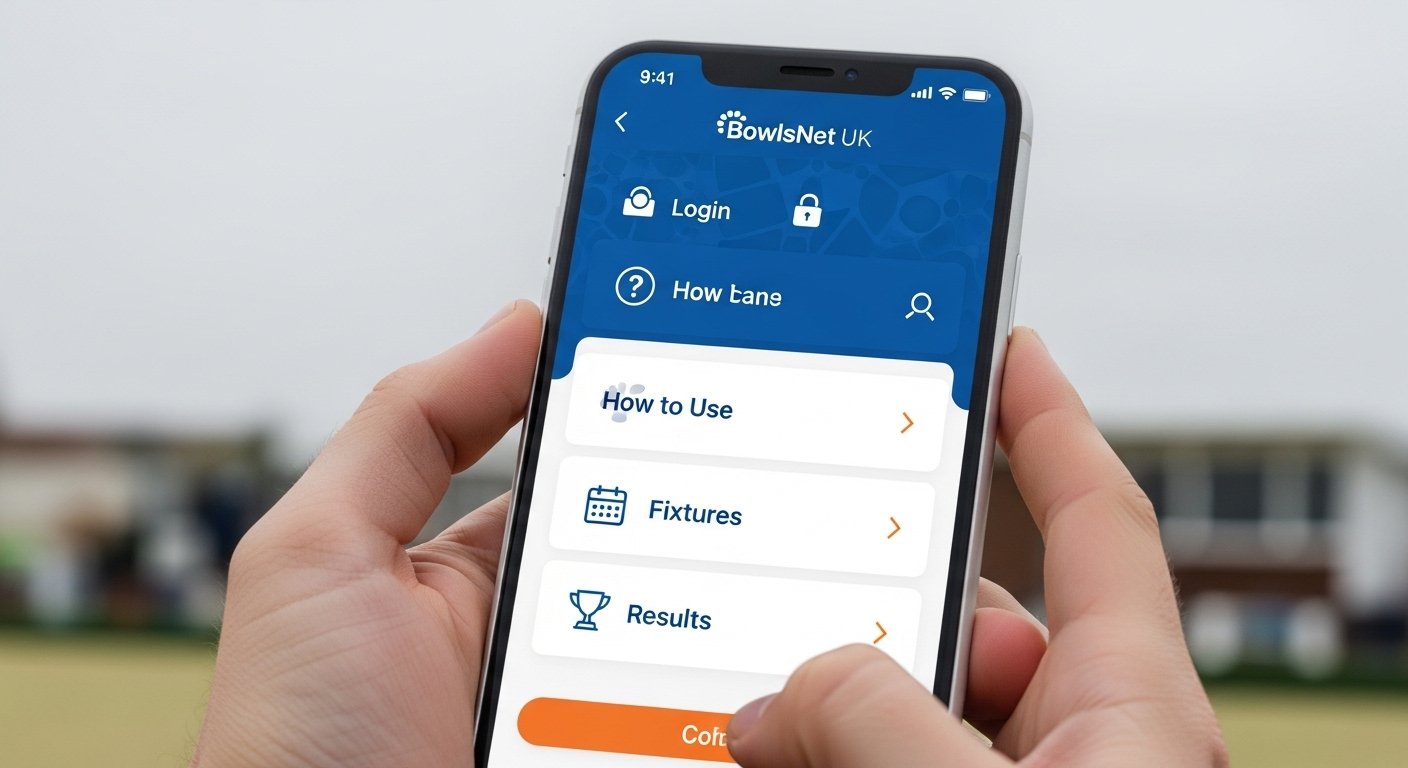
Many people in the UK love playing crown green bowls. They enjoy the fresh air, friendly games, and time with friends at their local clubs. Yet they often wonder how to stay updated on match times and scores. This is where the BowlsNet UK service comes in handy. It helps players, captains, and fans follow their leagues in a simple way. Because it works well on phones, many call it the BowlsNet UK app even though it opens in a web browser. Over time, it has grown to cover more than 250 leagues across the country. That means you can see live information from your own team and others too. In this article, you will learn everything step by step. You will discover how to get started, set up your page, find fixtures, check results, and more. After that, you can enjoy your bowls games with all the details right at your fingertips.
What Is the BowlsNet UK Service and Why Do People Use It
BowlsNet UK started back in 2013 as a helpful online place for bowling leagues. At first, only a few groups used it. Now, many leagues share their match details there every week. This service shows real-time updates on who plays whom and how the games end. For example, imagine your club team finishes a match on Saturday afternoon. Instead of waiting for someone to call you, you can check the score right away. This means less confusion and more fun for everyone involved. Another thing is that it brings all the leagues together in one spot. So fans who follow several teams can see everything without jumping between different websites. That’s why so many bowlers say it makes their sport easier to enjoy. In addition, the service keeps growing each year because clubs find it simple and reliable for sharing news.
How to Download or Access BowlsNet UK on Your Phone or Tablet
You do not need to find a special app in any store because BowlsNet UK works through your phone’s web browser. This makes it feel like an app without extra downloads. First, open the browser on your phone or tablet. Next, type in the address for the service. Once the page loads, it adjusts to fit your screen nicely because the makers made it mobile-friendly. After that, you can save it to your home screen for quick access. To do this, look for the share button in your browser. Then choose the option to add to home screen. This step is quick and free. Now the BowlsNet UK icon sits with your other apps. That’s why many people treat it like their personal bowls app. Over time, this little trick saves you time each week when you want to check updates fast.
Step by Step Guide to Set Up Your Personal BowlsNet Page
Setting up your own view is easy and takes just a few minutes. Begin by going to the main page in your browser. Look for the big button that says My BowlsNet. Click it, and a new area opens up. Here you can pick your favorite leagues from a long list. For instance, if you play in your local evening league, find that one and tap the plus sign to add it. You can add as many as you like because the system remembers your choices. After that, your personal page shows only the leagues you follow. This means no extra clutter from leagues you do not care about. Another helpful part is that your results from all matches appear in one simple list. So if you play in three different teams, you see every score together. In addition, you can search for any club or player across the whole country. This feature helps when you want to know how old friends are doing in far-away places.
How to Log In and Use Special Features
Most people do not need a full login to see fixtures and results because the service keeps much of it open for everyone. Yet captains and league helpers sometimes log in to enter scores after games. If you need to log in, look for any secure area on the page and use the details your league gave you. This step keeps the information safe and correct. Once logged in, you can update match details quickly. For example, after a close game, the captain types in the final score and sends it. Right away, everyone else can see the update on their phones. That’s why the system stays fresh and accurate. Next, if you forget your details, most leagues have a simple way to ask for help through their own contacts. Over time, this login process has become smoother because the service listens to user feedback.
Finding and Understanding Fixtures with BowlsNet UK
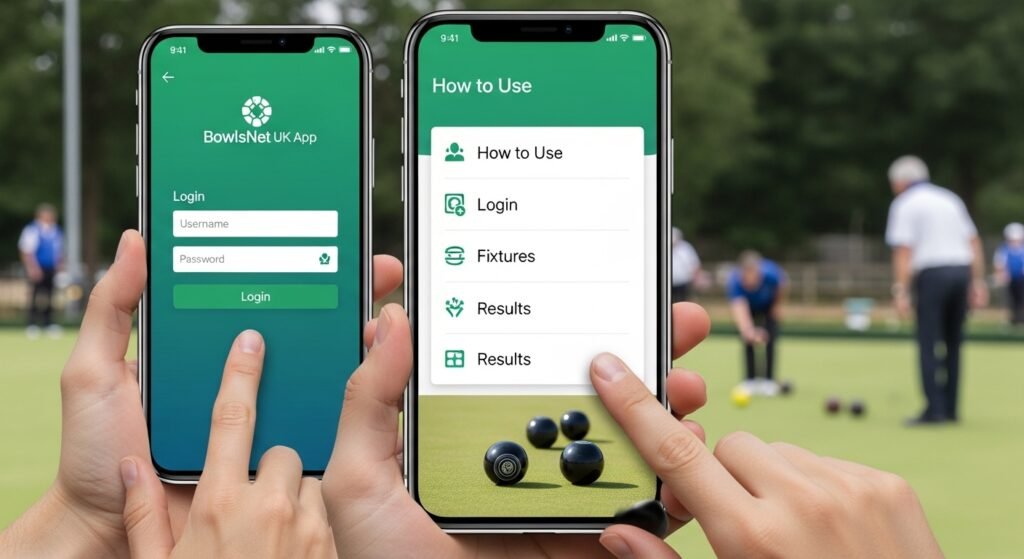
Fixtures tell you when and where your next games happen. In the BowlsNet UK service, they appear in clear lists under each league. First, open your personal page. Then scroll to the fixtures section for your team. You will see dates, times, and the name of the other club. For example, it might say your team plays at home next Saturday at two o’clock against the local rivals. This information helps you plan your week without missing anything. In addition, some leagues let you see a full calendar view. This means you can look ahead several weeks at once. Another useful thing is that changes to fixtures show up quickly if weather or other reasons cause delays. So you always have the latest news. After that, you can even share the fixture list with teammates through your phone’s message app. This keeps the whole group informed and ready to play their best.
Checking Live Results and Scores Right After Games
Results are one of the most exciting parts because they show how everyone performed. Once a match ends, the score appears soon after the captain enters it. On your phone, open the results tab in your league. You will see each game listed with the final numbers, like 21 points to 15. This clear view helps you celebrate wins or learn from losses. For instance, suppose your team won by a small margin. You can see exactly which players did well and talk about it at the next practice. Moreover, the service shows running league tables so you know where your club stands overall. That’s why fans check it every weekend. Next, you can look at player averages too. These numbers tell how consistent each bowler is over the season. Over time, seeing these details makes you a smarter player because you notice patterns in your own game.
Exploring League Tables, Player Search, and Extra Details
League tables give a big picture of how all teams compare. They update automatically when results come in. So you open the table and see your team near the top or working hard to climb up. This view motivates everyone to practice more. In addition, the player search tool is handy for finding friends or past opponents. Type a name, and details pop up from any league in the system. For example, you might search for a bowler you met at a tournament last summer. Then you learn how he or she is doing this year. Another thing is that some clubs add extra notes about special events or weather warnings. These small updates keep the community close. Because the service connects so many leagues, you discover new bowls stories from across the UK. That’s why it feels like more than just scores—it builds friendships too.
Tips for Getting the Most from BowlsNet UK in 2026
In 2026, the service keeps improving with better mobile views and faster updates. To make the most of it, check your personal page every match day. Also, turn on any browser notifications if your phone allows them for new results. This way, you hear about big wins right away. Another good tip is to bookmark your favorite league pages for extra speed. Next, remember to refresh the screen after a game ends because scores arrive one by one. If you see any small text on your phone, try turning your device sideways for a wider view. In addition, talk with your club captain about how the system helps the team. Over time, these simple habits turn BowlsNet UK into a daily part of your bowls life. For example, many players now plan social events around the fixture list they see there. This keeps the fun alive all season long.
Common Questions and Easy Ways to Solve Problems
Sometimes people wonder why they cannot find a certain league. The answer is simple—only member leagues appear. If yours is missing, ask your club secretary to join. Another common issue is slow loading on old phones. In that case, close other apps to free up memory. That helps the page open faster. Next, if you added the wrong league by mistake, just go back to My BowlsNet and remove it with the minus sign. This keeps your page clean. Also, remember that results depend on captains entering them promptly. So if a score is late, it is not a system problem. In addition, the service has a status log that shows any updates or fixes. Checking it once in a while answers many worries. Because these steps are straightforward, most users solve issues quickly and enjoy smooth use.
How BowlsNet UK Helps Clubs and the Whole Bowls Community
Clubs benefit a lot because they save time on paperwork. Instead of printing sheets each week, they enter data online. This means more time for actual bowling and less admin work. Fans love it too since they follow their favorite players without extra effort. For young bowlers just starting, seeing real scores helps them learn the game faster. In addition, families can check results together after a match. This builds excitement at home. Over time, the service has connected bowlers from different areas who might never have met otherwise. For example, a player in the north might chat online with someone in the south about a shared league table spot. That’s why it feels like a big family. The simple tools bring everyone closer and keep the sport growing strong year after year.
In the end, the BowlsNet UK service makes following crown green bowls simple and enjoyable for everyone. From easy access on your phone to clear fixtures and quick results, it covers all the basics you need. You learned how to set up your personal page, check scores, and use helpful features without any fuss. Because it connects so many leagues in one place, you stay informed and part of a larger community. Remember to use it responsibly and share the fun with your teammates. Whether you play every week or just watch from the sidelines, this tool adds extra joy to the game. So next time you head to the green, take a quick look at the latest updates. You will feel more prepared and excited about every bowl you send down the green. Enjoy your games and keep the spirit of bowls alive.
Disclaimer:
This article is for informational purposes only and is based on publicly available information as of 2026. It is not affiliated with, endorsed by, or connected to any official service, website, or organization. All details may change over time, so always verify the latest information directly through appropriate channels for accuracy and updates. No promotion of any products or services is intended.
Explore More:
Bespoke Business Apps | Custom Mobile & Web App Development Services
Babify App: Best Baby Care & Parenting App for New Parents
About the Author




