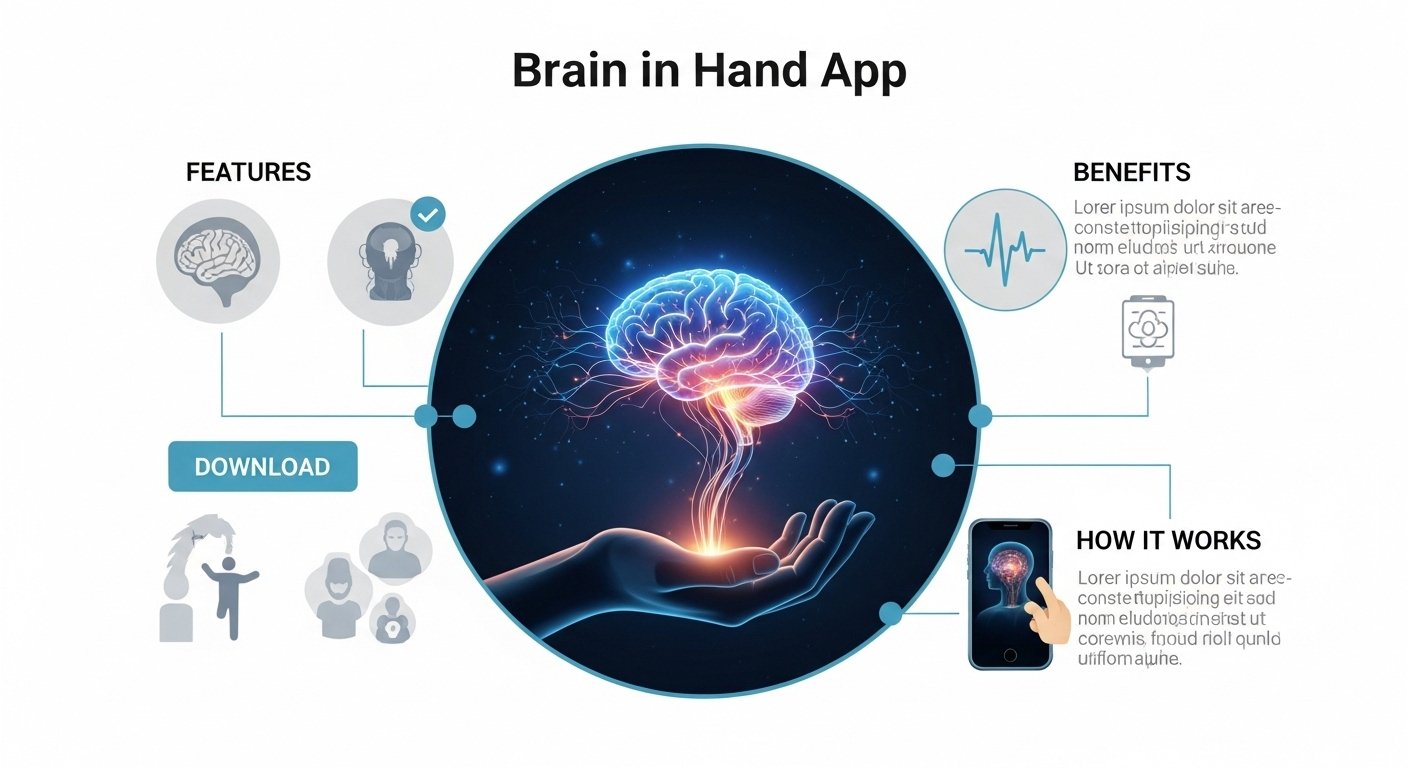
Many people face daily challenges that make life feel hard. They might forget tasks, feel worried about small changes, or need extra help to stay calm. The brain in hand app offers one way to handle these moments better. This tool sits in your phone and works like a helpful guide. It combines simple digital aids with real human support. Because of this, some people use it to feel more in control each day. In this article, you will discover what the brain in hand app is, how it works, its main features, and its benefits. You will also learn how to download it safely. The information comes from clear sources and stays easy to follow. Over time, tools like this can make small differences that add up to bigger changes in daily life. Let us explore it together step by step.
What Is the Brain in Hand App?
The brain in hand app is a mobile tool designed to support people who need help with everyday planning and feelings. It started as a way to assist those with conditions such as autism or ADHD. Later, others with anxiety or brain injuries began to use it too. This app is not just software on its own. Instead, it forms part of a larger system that includes web tools and trained helpers. This means the brain in hand app connects you to personalized plans and quick support when needed. For example, if a sudden change in your schedule feels overwhelming, the app has ready ideas to guide you. Another thing is that it was created by experts who understand these challenges deeply. That is why the brain in hand app focuses on building independence little by little. Users carry it in their pocket, so help feels close at all times. Next, we will see exactly how this system operates from start to finish.
How the Brain in Hand App Works
Understanding how the brain in hand app works starts with a simple setup process. First, a trained coach talks with you to learn your needs. This coach helps create special plans just for you. After that, these plans go into the app on your phone. This means everything stays personal and easy to reach. For instance, you might add reminders for meals or meetings. The app then sends gentle prompts at the right moments. In addition, you can check your feelings using a quick system inside the app. It uses colors like a traffic light to show if things feel good, okay, or hard. This simple check helps you notice patterns over time. When feelings turn difficult, you can tap a button to ask for extra help. Trained people respond quickly, often within minutes, through a call or message. This human link is a key part of how the brain in hand app works. Because the support is always there, many users report feeling less alone during tough spots. Next, let us look closer at the specific features that make this possible.
Key Features of the Brain in Hand App
One main feature of the brain in hand app is its digital diary and planner. You can list your daily tasks in a clear way. The app connects to your phone calendar, so nothing gets missed. Reminders pop up softly to keep you on track. This helps because forgetting things can cause extra worry. Another useful feature is the set of coping strategies. These are short, personal ideas stored in the app. For example, if noise bothers you, the app might suggest a quick breathing exercise or a quiet spot to go. You build these strategies with your coach at the beginning. Over time, you can add or change them as life shifts. The wellbeing check-in tool is also important. It lets you rate your day in simple steps. Green might mean you feel steady, while red signals a need for help. Because of this, the brain in hand app tracks patterns without complicated steps. In addition, the request-help button links you to real people trained to listen. They can talk you through a problem right away. The app works on both Android phones and iPhones, so most people can try it. These features work together smoothly, which is why the brain in hand app feels like a complete helper system. After using them daily, many people notice small wins that build confidence.
Benefits of Using the Brain in Hand App
People who try the brain in hand app often see clear benefits in their daily lives. First, it helps with managing worry and stress. When anxiety rises, the ready strategies and quick support can calm things down fast. One study from a few years back showed that some adults with autism felt less anxious after regular use. This means the brain in hand app can make tough days feel more manageable. Another benefit is better organization. Reminders and planners take away the pressure of remembering everything alone. For example, a student might use it to plan study time and feel more prepared for tests. Because of this extra structure, users often complete more tasks without feeling rushed. In addition, the app supports greater independence. Instead of always asking family or friends for help, you can turn to the tool first. Over time, this builds skills and self-trust. The human support adds another layer of safety, so you know backup is near. Many users also report improved focus at work or school. That is why the brain in hand app helps in areas like education and jobs. These benefits grow gradually as you keep using the system. They do not happen overnight, but steady practice leads to lasting changes.
Who Might Find the Brain in Hand App Helpful

The brain in hand app suits different kinds of people who face similar challenges. Neurodivergent individuals, such as those with autism or ADHD, often use it to handle transitions and sensory issues. Others with anxiety or past brain injuries turn to it for emotional support. This is because the app meets you where you are and grows with your needs. For instance, a young adult starting a new job might use the planner to stay calm during busy mornings. A parent with fatigue could set reminders to rest at the right times. Another thing is that the brain in hand app works well alongside other care plans. Doctors or support workers sometimes suggest it as part of a bigger routine. Because it is flexible, it fits many lifestyles. However, it is important to remember that each person’s experience differs. What helps one user might need small changes for another. That is why the personal coach makes such a big difference from the start.
How to Download the Brain in Hand App
Downloading the brain in hand app is straightforward for most people. You can find it on the Google Play Store if you have an Android phone. For iPhone users, it appears in the Apple App Store. Search for the exact name to avoid mix-ups with other tools. After you install it, the app asks you to create an account. This step usually happens after you connect with the service team. They send an email invite with clear instructions. Once inside, you can explore a demo version to see how things look. This demo lets you test features without full commitment. Next, the real setup begins with your coach. They guide you through adding your personal plans. Because the app links to their web system, everything stays secure and updated. Remember to check your phone settings for notifications. Turning them on helps the reminders work best. In 2026, the app received a recent update that keeps it running smoothly on new phones. If you run into any issues during download, the support team is there to assist. This simple process means you can start using the brain in hand app quickly once you decide it fits your needs.
Tips for Getting the Most from the Brain in Hand App
To use the brain in hand app well, start small and build habits slowly. Begin by adding just a few reminders each day. This prevents the app from feeling too busy at first. After that, practice the wellbeing check-in every morning and evening. Over time, you will spot what makes your day better or harder. Another tip is to update your coping strategies regularly with your coach. Life changes, so your plans should change too. For example, if a new routine starts at work, add steps for that transition. It also helps to review your notes in the app once a week. This reflection shows your progress clearly. Because the human support is available around the clock, do not wait until things feel very bad. Reach out early when yellow signals appear. In addition, talk openly with your coach about what works and what does not. Honest feedback makes the brain in hand app even more useful. Avoid the mistake of ignoring the app after the first week. Consistent use brings the best results. Finally, keep your phone charged and carry it with you. These small tips turn the brain in hand app into a reliable daily companion.
Conclusion
The brain in hand app brings together digital tools, personal plans, and human help in one easy place. Its features like planners, reminders, coping ideas, and quick support make daily life feel less overwhelming. The benefits include lower anxiety, better organization, and more independence for many users. Downloading and starting is simple through the app stores, though full use involves a coach and setup. By following the steps and tips shared here, anyone interested can explore how the brain in hand app might fit their routine. Remember, every person’s path is unique, so take time to see what feels right for you. In the end, small supports like this can open doors to bigger achievements and calmer days ahead.
Disclaimer: This article is for informational purposes only and provides general facts based on publicly available sources about the brain in hand app. It is not medical, therapeutic, or professional advice. Results vary by individual, and the app requires a paid service subscription through its official providers. Always consult qualified healthcare professionals, coaches, or support services for personal guidance. Information can change, so check current details directly with the developers. This content does not endorse or promote any product, service, or website.
Explore More:
BowlsNet UK App Download – How to Use, Login, Fixtures & Results
Bespoke Business Apps | Custom Mobile & Web App Development Services
About the Author




