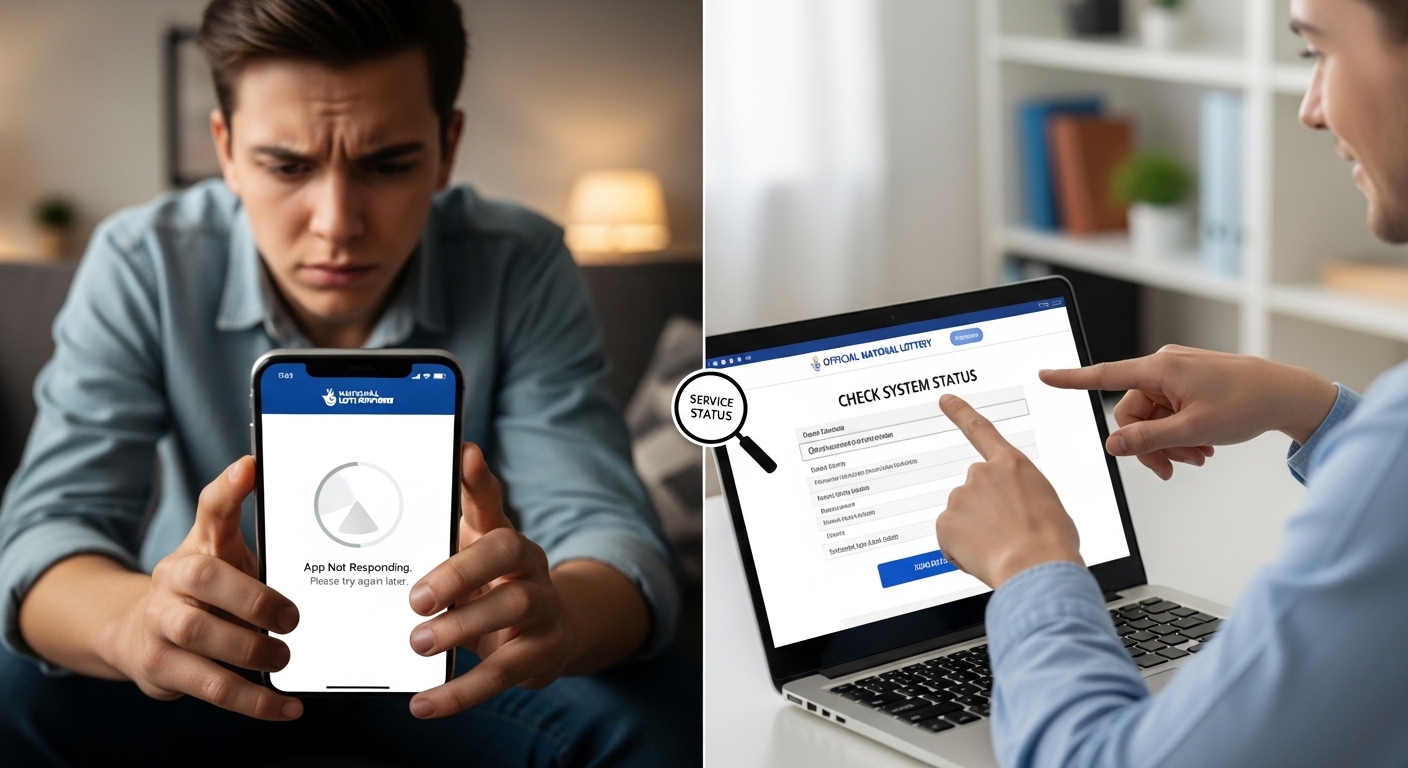
Many people enjoy playing the National Lottery from their phones. They use the app to buy tickets, check results, and see if they have won. But sometimes the app stops working. You open it and nothing happens. Or you cannot log in. That feels frustrating, especially if you want to play before a big draw. This article explains what might be happening when the National Lottery app seems down. It also shows simple ways to check the status and what you can do next. Learning these steps helps you stay calm and solve the problem quickly.
Why the National Lottery App Might Not Work
The National Lottery app runs on phones and needs a good connection to the internet. Sometimes the problem comes from your own phone. For example, your internet might be slow or turned off. Other times, many people try to use the app at once, like just before a big draw. This can make the servers busy.
In addition, the company that runs the National Lottery sometimes plans updates. They turn off the app and website for a short time to make everything better and safer. In early 2026, they did a big upgrade that lasted about 24 hours. During that time, players could not use the app. After that, some people still had trouble logging in for a few more hours because so many tried to connect at the same time.
Another thing is that small bugs can happen after an update. Your phone might need a fresh start or the app might need a new version. That’s why the app feels down even when it is not a big problem for everyone. Over time, these issues usually get fixed fast. The company works hard to keep the service running smoothly because millions of people play every week.
How to Check If the National Lottery App Is Really Down
First, stay calm and check a few easy things one by one. This helps you find out if the problem is only for you or for many others.
Start by looking at your phone’s internet. Open another app, like a news site or a video app. If that works well, your connection is fine. But if nothing loads, fix your Wi-Fi or mobile data first. Turn it off and on again. This simple step solves many problems because weak signals often cause the app to look stuck.
Next, try opening the National Lottery website on your phone’s browser. Go to the official address and see if it loads. If the website works but the app does not, the problem is likely with the app itself. Many players do this when the app feels down. It lets them check results or even buy tickets while they wait for the app to get better.
After that, visit a site that shows real-time reports from other users. One popular place is Downdetector. It collects stories from people having trouble with the National Lottery. You can see if lots of people report issues with the app, the website, or checking results. For example, in recent months, over a thousand people sometimes reported login problems in one morning. When you see high numbers there, you know it is not just you. This tool updates quickly, so it gives a clear picture right now.
You can also check the official National Lottery social media pages or their website for messages. They often post updates like “We are fixing a small issue” or “The app is back now.” Because they want to keep players happy, they share news fast. Another good idea is to ask friends or family if they can open the app. If they can and you cannot, the problem might be on your phone.
Common Reasons the App Stops Working and Simple Fixes
One common reason is that your app is old. The company releases new versions to fix bugs and add nice features. If you have not updated it, the app might not work well with new changes. To fix this, go to your phone’s store for apps. Search for the National Lottery app and tap update if it shows. After updating, close the app completely and open it again. Many people find that this makes everything work smoothly.
Another reason is too much stored data on your phone. Over time, the app saves little pieces of information. Sometimes these pieces get mixed up and cause crashes. Clearing the cache helps. On most phones, you go to settings, find the app, and choose clear cache. Do not worry — this does not delete your account or tickets. It just gives the app a fresh start.
In addition, your phone might need a restart. Turn it off for 30 seconds and turn it back on. This clears small problems in the background. For example, one player could not see his tickets in the morning. After a quick restart, the app loaded fine and showed everything clearly. Simple steps like this work because phones sometimes get tired from running many things at once.
Sometimes the problem comes from your login details. If you changed your password or used a new phone, the app might not recognize you. Try logging out and logging in again. Make sure you type everything correctly. If you still cannot get in, the company might be fixing login issues for everyone. In 2026, short login troubles happened a few times, but they got solved within hours.
What to Do While You Wait for the App to Come Back
If the National Lottery app is down, you still have good options. Many players visit local shops that sell lottery tickets. You can buy tickets there and check results the old-fashioned way. Shops often have screens that show the latest draws. This feels nice because you can talk to the shopkeeper and feel part of the community.
You can also use the website version on any browser. It has most of the same features as the app. Log in and check your tickets or play games. The website usually stays more stable when the app has small troubles. After a big update in January 2026, some people used the website while the app finished getting ready. This helped them not miss any draws.
Another helpful thing is to set reminders on your phone for draw times. That way, even if the app is slow, you know when to check again. Many players also scan their paper tickets with the app when it works. But if it is down, keep the tickets safe and check later at a shop or on the website.
Mistakes to Avoid When the App Seems Down
Some people get worried and keep tapping the app over and over. This can make things worse because it adds more load. Instead, wait a few minutes and try the checks we talked about.
Another mistake is forgetting to update your phone’s system. Old phone software can cause apps to act strangely. Check for phone updates in your settings once in a while. Also, avoid using strange links or third-party apps that promise to fix the lottery app. Stick to official ways to keep your information safe.
Over time, players learn that most issues last only a short while. Getting angry or uninstalling the app right away is not needed. Try the simple fixes first. This saves time and keeps your account ready for when things return to normal.
Understanding Planned Downtime and Updates
The National Lottery team plans big updates from time to time. They tell players in advance through their website and messages. During these times, the app and website go offline for several hours, sometimes up to a full day. The goal is to make the service faster and add new games or better security.
For example, in early 2026, a major upgrade caused the app to stay down a bit longer than expected on the Monday morning after. Many people wanted to check results or buy tickets, and over a thousand reports came in. The team worked quickly and fixed the remaining issues. They even posted that the new app looked fresh and worked well once it was back.
Because of these updates, the app gets better over time. New features appear, like easier ways to scan tickets or quicker notifications when you win. That’s why small troubles now and then are worth it in the long run.
Tips to Make the App Work Better Every Day
Keep your app updated regularly. Turn on automatic updates if you can, so you never miss a new version. Also, use a strong internet connection when you play. Wi-Fi at home is often more stable than mobile data in busy areas.
Another good habit is to check your account balance and tickets often. This way, you notice small problems early before a big draw. In addition, write down your login details in a safe place, but never share them with others.
Many players enjoy the app because it sends notifications about wins and new draws. Make sure your phone allows these messages. If notifications stop, check your phone settings for the app. Small changes like this keep everything running nicely.
FAQ About the National Lottery App
Here are some common questions people ask when the app seems down.
How long do app problems usually last?
Most small issues get fixed in a few minutes to a few hours. Planned updates can take longer, up to a day, but the team shares updates so you know what to expect.
Is the app down only for me or for everyone?
Use Downdetector or try the website to find out. If many people report the same problem, it is likely a wider issue.
Can I still play if the app is not working?
Yes. Buy tickets at a local shop or use the website on your browser. Draws still happen as normal.
What should I do if I cannot log in?
Check your internet, update the app, restart your phone, or wait a short time. The team often fixes login troubles quickly.
Does clearing cache delete my tickets?
No. It only removes temporary files. Your account and tickets stay safe on the company’s servers.
Will the app get better after updates?
Yes. Updates bring new features and fix old problems, so the app usually feels smoother afterward.
What if the problem continues for days?
Contact the official customer support through the website. They can help with account-specific issues.
Conclusion
Checking whether the National Lottery app is down right now is easy once you know the simple steps. Start with your internet and phone, then look at user reports and the official site. Most times, the issue is small and fixes itself or with a quick update. Remember that planned work makes the service stronger over time. While you wait, use shops or the website to keep enjoying the games you love.
Taking a few calm moments to check status saves worry and helps you play with confidence. The National Lottery brings fun and excitement to many lives, and a short app trouble does not need to stop that. Next time something feels off, follow these friendly steps and get back to checking your numbers soon. Stay patient, and good luck with your plays.
Disclaimer:
This content is for informational purposes only and is not affiliated with or endorsed by the National Lottery or its operator. We do not guarantee real-time accuracy of any service status. For official support, please contact the National Lottery directly. Always play responsibly.
Explore More:
Tommys App Explained: Everything You Need to Know Before You Install It
How to Update Your Address on the NHS App in Minutes
The Salon App Login Guide: Diary & Book Appointments Easily
About the Author




