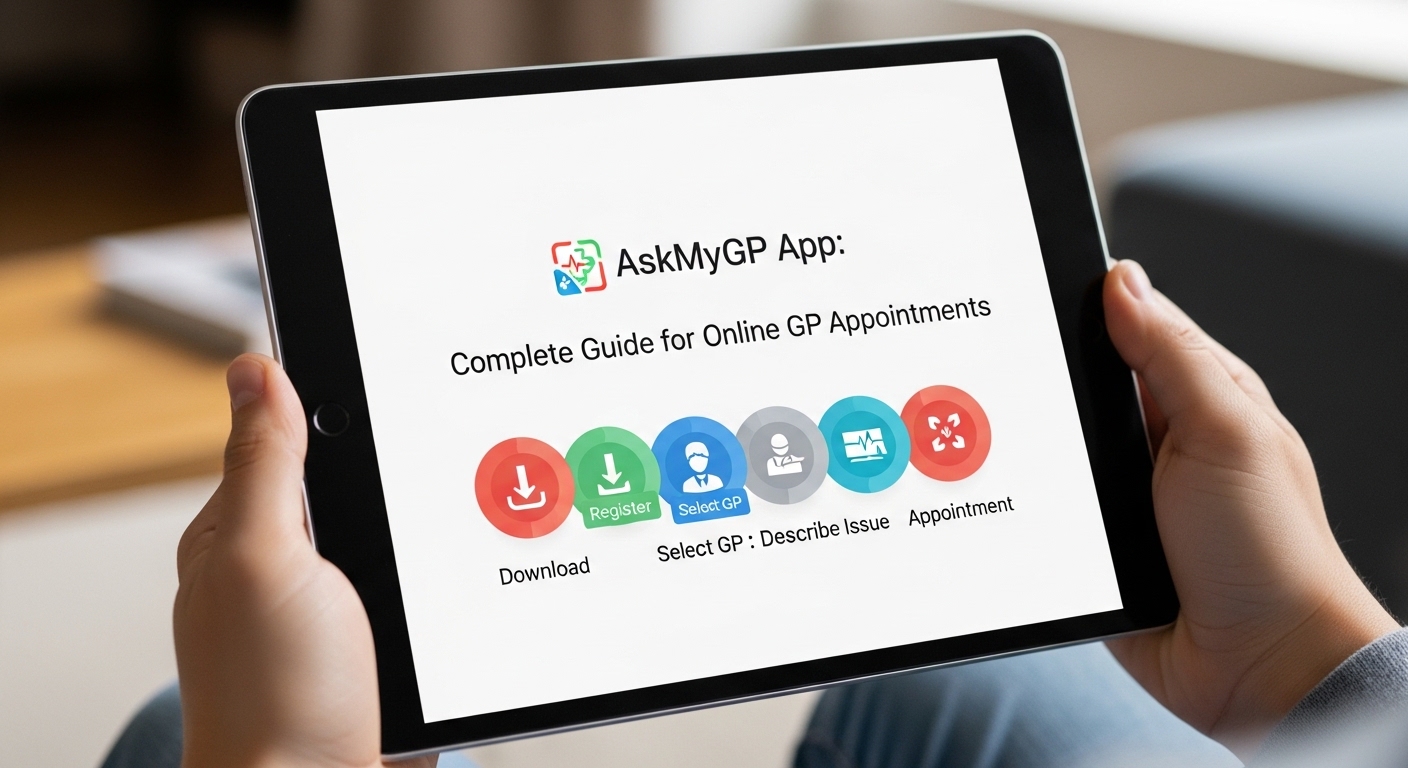
The AskMyGP app makes it easier for many people to talk to their doctor without waiting on the phone for a long time. In today’s busy world, getting help for health problems can feel hard. That is why tools like AskMyGP have become popular in some places, especially in the UK. This system lets patients contact their own GP practice online in a simple way.
After that, the practice team can decide the best way to help. You might get advice by message, a phone call, a video chat, or even an in-person visit if needed. Because of this, many people save time and feel less stressed. In 2026, more GP practices use digital tools to handle daily requests better. This guide will explain everything step by step so you can understand how it works, even if you are new to apps and online services.
What Is the AskMyGP App?
AskMyGP is an online system that helps patients reach their local GP surgery quickly. It is not a separate phone app you download from a store like Google Play or the Apple App Store in the usual way. Instead, most people use it through their GP practice’s website. Some practices link it to the Evergreen Life app, which gives access to AskMyGP and other health tools in one place.
This means you stay connected to your own doctor and nurse team. They know your medical history. That is important because good care often comes from people who already understand you. For example, if you have a sore throat or need a repeat prescription, you can describe it in your own words. The system then sends your request to the practice team.
Over time, this has helped many surgeries manage their work more smoothly. Patients no longer wait in long phone queues early in the morning. Next, the team reads your message and chooses how to reply. This could happen on the same day for many simple issues. In addition, parents or carers can use it for children or older family members with permission.
Why Do People Use AskMyGP for Online GP Appointments?
Life moves fast, and health needs do not always wait. Think about a working parent with a child who has a mild fever. Calling the surgery during busy hours can take a lot of time. With AskMyGP, that parent can open the website on their phone, answer a few short questions, and explain the problem clearly. This saves waiting and lets the doctor focus on the details you share.
Another thing is that it gives patients more choice. You can ask for different kinds of help. Some requests need only self-care advice or a sick note. Others might need a quick phone talk. Because the system uses simple questions at the start, it helps the team understand how urgent your need is. That is why many practices report that a good number of requests get handled the same day.
In 2026, more people expect easy access to care from home. AskMyGP supports this by working on phones, tablets, or computers. For those who find technology tricky, you can still call the surgery. A receptionist can then add your request into the system for you. This keeps everyone included.
How to Get Started with AskMyGP
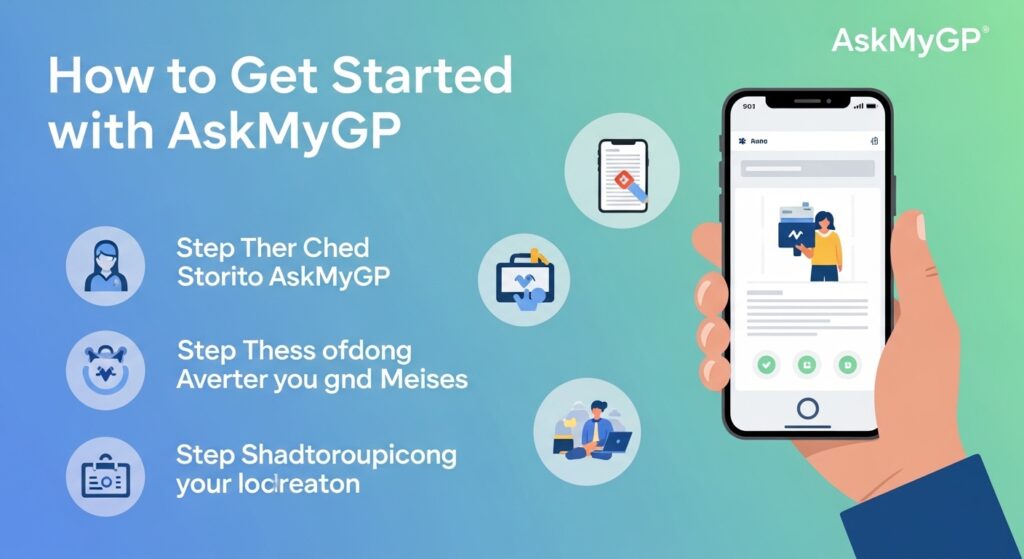
Starting is straightforward once your GP practice offers the service. First, visit your surgery’s official website. Look for the AskMyGP button or link, which is often easy to spot on the home page. Click it, and you will see the login or sign-up area.
If you are new, you will create an account. This usually needs your basic details like name, date of birth, and contact information. Some practices let you link it safely with NHS login for extra security. After that, you set a password you can remember. Many people write it down safely or use their phone’s password manager.
Next, log in any time the service is open. Most practices run it during normal surgery hours, such as from morning until evening on weekdays. Once inside, you will see a simple form. It asks a few questions about your issue. You can then type a clear description in your own words. For example, “I have had a bad cough for three days and feel tired.” This helps the doctor picture your situation better.
After you send the request, you can track it in your account. Push notifications on your phone can alert you when there is a reply. This means you do not have to keep checking. In addition, you can update your request later if your symptoms change.
Step-by-Step Guide to Making a Request
Let us break this down into easy steps so it feels natural and not overwhelming.
- Open your browser on your phone or computer and go to your GP practice website.
- Find and click the AskMyGP link.
- Log in with your account details.
- Choose what kind of help you need, such as advice, a prescription, or a consultation.
- Answer the short questions that appear.
- Write your symptoms or question clearly. Be honest and add important details like how long it has lasted or any medicines you take.
- Review everything and send it.
After that, wait for the team to review it. Many simple requests get a response quite quickly. The GP or nurse decides the next step. They might reply by secure message, call you, suggest a video chat, or book you for a face-to-face visit if that is best.
For repeat prescriptions, the process is often even simpler. You select the medicines you need and explain why. The doctor can then approve them if everything looks safe.
What Happens After You Send Your Request?
This is where the system shows its value. The practice team sees your request in their workflow tool. They read it carefully because your own words give them a clear picture. Next, they triage it, which means they sort it by how soon it needs attention.
For many people, the reply comes the same day. You might receive self-help tips, like rest and fluids for a cold. Or the doctor could send a prescription straight to your pharmacy. In some cases, they call for a short chat to understand more. Video calls work well for skin problems or when the doctor wants to see how you look or move.
That is why continuity of care stays strong. You talk to someone from your own practice who knows you. Over time, this builds trust. Another benefit is that it reduces unnecessary visits to the surgery. If advice at home is enough, you stay comfortable without travel.
Benefits of Using AskMyGP
One big advantage is convenience. You can send a request from your sofa at a time that suits you. No more rushing to the phone at 8 a.m. when lines are busy. In addition, it helps the whole practice run better. Doctors spend less time on admin and more time on actual care.
Patients often feel more in control. You can view your whole request history in one place. Parents like it because they can manage requests for their kids easily. Carers appreciate the same for elderly family members.
In 2026, with more focus on digital health, tools like this help ease pressure on the NHS. Many requests do not need an in-person appointment. This frees slots for people who truly need to be seen face to face.
Tips for Getting the Most from AskMyGP
To make it work well for you, be clear and complete in your description. Short, honest details help the doctor decide faster. For example, mention your temperature, any pain level, or recent changes.
Another tip is to check the service hours on your practice website. Send routine requests early in the day if possible. For urgent problems that feel like an emergency, always call 999 or go to A&E instead. AskMyGP is for non-emergency issues.
Also, keep your account details safe. Use a strong password and log out after use on shared devices. If you have trouble with technology, ask a family member for help or call the surgery for support.
Over time, you will get used to the flow. Many users say it becomes a natural part of managing their health, just like checking messages.
Common Mistakes to Avoid
Some people write very short or unclear requests. This can lead to more back-and-forth questions from the team. Take a minute to read what you wrote before sending.
Another mistake is using it for everything, even true emergencies. Remember, it works best for everyday health concerns. Also, do not ignore replies. Check your messages or notifications regularly so you do not miss important advice.
If you forget your password, use the reset option right away. Waiting too long can delay your care.
Who Can Use AskMyGP and How It Helps Different People
Almost anyone registered with a participating GP practice can use it. This includes adults, parents for their children, and carers. Some practices make special arrangements for people with language needs or disabilities. For example, you can ask a family member to help translate your message.
Younger people who are comfortable with phones find it quick. Older adults who prefer not to travel also benefit because they can get help from home. In addition, working people like it because they can handle requests during breaks without taking full time off.
FAQ About AskMyGP
How do I know if my GP practice uses AskMyGP?
Check their website for the logo or link. You can also call and ask the receptionist.
Is there a real mobile app?
Many users add the service as a web app to their phone home screen for easy access. Some access it through the Evergreen Life app.
Can I get a same-day response?
Many requests are handled the same day, but it depends on how busy the practice is and the type of issue.
What if I do not have a smartphone?
You can still phone the surgery. They can enter your request for you.
Is my information safe?
The system uses secure NHS-level protections to keep your details private.
Can I ask for a video call?
Yes, the team may suggest or offer a video consultation if it fits your needs.
What if my problem gets worse after I send a request?
Update your request if possible, or call the surgery directly for urgent changes.
Conclusion
Learning about the AskMyGP system opens a helpful door to simpler contact with your GP practice. From creating an account to receiving care through messages, calls, or visits, the process aims to make things flow better for everyone. It saves time, reduces stress, and keeps the focus on your own familiar doctor team.
As health services continue to mix online and in-person care in 2026, understanding tools like this can make a real difference in daily life. Take small steps to try it when you need non-urgent help. You might find it becomes your preferred way to stay healthy and informed.
Remember, good health starts with clear communication. Tools like AskMyGP support that in a modern, practical way.
Disclaimer:
This article provides general information only and is not medical or legal advice. AskMyGP availability, features, and processes depend on your specific GP practice and may change over time. Always check directly with your own GP surgery for the latest details, opening times, and instructions. For urgent or emergency health issues, contact emergency services or your practice by phone immediately. This content is for educational purposes and does not replace professional healthcare guidance.
Explore More:
Smartcric App Download: Watch Live Cricket Streaming on Mobile
CloudEdge App: Complete Guide for Beginners (Features, Setup & Use)
Best Bat Detector App for Identifying Bats in Real Time
About the Author