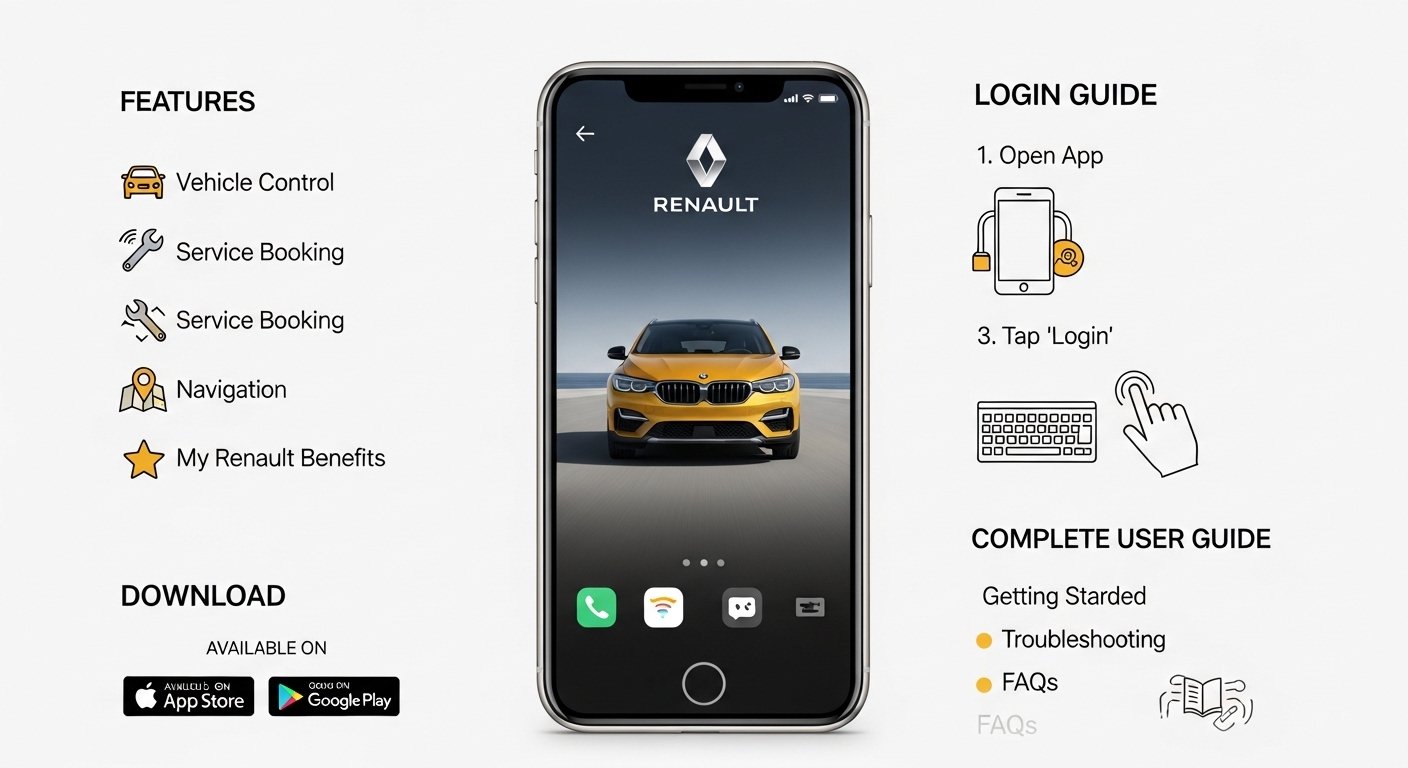
Many people who own a Renault car want an easy way to stay close to their vehicle every day. The Renault app, also known as the My Renault app, helps you do just that. It lets you check important details about your car right from your phone. You can see where your car is parked or even turn on the air conditioning before you get in. This app makes life simpler for drivers because it connects your phone to your Renault car in a safe and helpful way. Over time, more and more owners discover how useful it feels to have everything in one place. In this guide, you will learn everything step by step. We will cover how to get the app, how to log in, what features it offers, and tips to make the most of it. By the end, you will feel confident using the Renault app like a pro.
What Is the Renault App?
The Renault app is a free tool made by the Renault company for its car owners. It works on phones and turns your smartphone into a helpful partner for your car. Think of it like a personal assistant that keeps an eye on your Renault vehicle. You can use it whether you drive a regular car or an electric one. The app shows real-time information such as how much fuel or battery is left. Also, it helps with daily tasks like finding your car in a crowded lot. Because the app links directly to your vehicle, it feels like you have extra eyes and hands when you need them. Next, we will see why this connection matters so much for everyday driving.
Why the Renault App Makes Driving Easier
Driving a car brings joy, but it also comes with small worries like remembering service dates or finding where you parked. The Renault app takes away those worries because it puts all the answers in your pocket. For example, if you are late for work and want a warm car in winter, the app lets you start the heater from far away. In addition, it tracks your car’s health so you never miss an important check-up. Over time, this saves you time and money. That’s why many owners say the app feels like a best friend for their Renault. Another thing is that it works well for new drivers or busy families who need things to stay organized. After that, you will see how simple it is to get started.
How to Download the Renault App
Getting the Renault app on your phone is quick and free. First, open the app store on your device. If you have an iPhone, go to the Apple App Store. For Android phones, open Google Play. Next, type “My Renault” in the search bar and look for the official app made by Renault SAS. Tap the download button and wait a few seconds for it to finish. The app needs a modern phone, like one with iOS 15 or higher for Apple or Android 9 or higher for others. After that, the icon will appear on your home screen. This means you are ready to set it up. Many people download it while waiting in line or during a coffee break because it takes almost no time at all.
Creating Your Account in the Renault App
Before you can use any features, you need a personal account. Open the app after download. You will see a button that says “Register” or “Create Account.” Tap it and fill in simple details like your name, email address, and a strong password. Make sure your email is correct because Renault will send a message there right away. Go to your email inbox and click the confirmation link inside the message. This step proves the account belongs to you. After that, your account is ready. You can also create the account on the Renault website if you prefer typing on a bigger screen. In addition, the same login details work on both the phone and the computer. That’s why the process feels smooth and secure for everyone.
Logging In to the Renault App
Logging in happens fast once your account exists. Open the Renault app and tap the “Sign In” or “Login” button. Type the same email and password you used when you registered. If you forget your password, there is an easy “Forgot Password” link that sends a reset email. After entering the details, you are inside the app. The screen shows your car information if everything is connected. For safety, some owners add a PIN code later for extra protection on important actions. This login step only takes a moment, so you can check your car even while you are on the go. Over time, you might log in several times a day because the app becomes part of your routine.
How to Sync Your Vehicle with the Renault App
Syncing connects your actual Renault car to the app so everything works together. You must sit inside your parked car with the multimedia screen turned on. Make sure your phone has good internet and is near the car. Open the app and go to the profile section. Look for “My Renault Account” or “Add Vehicle.” The app will ask you to enter your car’s VIN number or scan a code. After that, follow the instructions that pop up on both your phone and the car screen. Usually, you press a button in the car and confirm on the app. Once done, the sync happens automatically every time you open the app. This means no more manual work later. If you skip this step, many cool features stay locked. That’s why syncing is important right from the start.
Main Features of the Renault App
The Renault app has many helpful tools that make owning a car feel easier. Let’s look at them one by one so you understand each part clearly.
Checking Your Vehicle’s Status Anytime
You can see real-time details like how far your car can drive and how much fuel or battery remains. The app shows this information on a simple screen. For instance, if you plan a long trip, you know exactly what to expect. Also, it tells you the mileage and other basic facts. Because the data updates live, you always have fresh numbers.
Using Remote Controls from Your Phone
One favorite part is controlling the car from a distance. You can turn on the air conditioning or heating before you step outside. This feels great on hot or cold days. In addition, you can make the lights flash or the horn sound to find your car in a big parking area. Some models even let you lock or unlock doors remotely after proper setup. These tools work because the app talks directly to your Renault through the internet.
Special Help for Electric Renault Cars
If you drive an electric Renault, the app becomes even more useful. It lets you check the battery level and plan when to charge. You can set a charging schedule so the car charges when electricity costs less. Next, it shows nearby charging stations on a map. You can also use the Mobilize Charge Pass to pay easily at public spots. Another great thing is seeing how far you can go with the current battery. This planning saves time and worry during road trips.
Handling Maintenance and Appointments
The app remembers your service history and shows when the next check-up is due. You can book an appointment with a Renault dealer in just a few taps. It also lists your warranties and contracts so nothing gets forgotten. For example, if your car needs new tires soon, the app reminds you and helps you schedule it. Over time, this keeps your Renault running smoothly without extra effort.
Finding Guides, Dealers, and Support
Inside the app, you will find an interactive user guide with pictures and short videos. These explain every button and feature in your car. You can also locate the nearest Renault dealer or petrol station. If you have a question, you can reach customer service directly through the app. This support feels close and friendly because help is always a tap away.
Helpful Tips for Better Use of the Renault App
To get the most from the Renault app, keep a few easy tips in mind. First, always update the app when a new version appears because updates bring better speed and new tools. Second, use a strong Wi-Fi connection when you first sync because it makes the process faster. Another thing is to check the app settings for notifications so you receive alerts about charging or service dates. In addition, try the app during a quiet time at home before you need it in a hurry. Over time, these small habits turn the app into a natural part of your day. Many drivers say they feel more relaxed after learning these tips.
Common Mistakes to Avoid with the Renault App
Some owners run into small problems that are easy to fix. One mistake is skipping the email confirmation after registration, which stops you from logging in. Another is trying to sync the app while the car is moving or in a place with weak signal. Always park safely first. Also, do not share your password with others because each account links to one main user. If you see an error, restart the app or check your internet. By avoiding these simple errors, you enjoy smooth use every time.
Conclusion
The Renault app brings your car closer than ever before. From downloading and logging in to using remote controls and planning charges, every step feels clear and useful. You learned how to sync your vehicle, explore features, and avoid common mistakes. In 2026, the app keeps getting better with fresh updates that make charging and navigation even smoother. Whether you drive a new Renault or an older model, this tool helps you stay organized and ready for any trip. Take a moment today to try the steps we shared. Soon, you will wonder how you ever managed without it. Stay safe on the road and enjoy every drive with your Renault.
Disclaimer:
This article is for informational purposes only and is based on publicly available information about the My Renault app as of 2026. Features may vary by vehicle model, region, and subscription. Always refer to your vehicle’s official manual and the latest app version for accurate instructions. The content is independent and not endorsed by or affiliated with Renault S.A.
Explore More:
MG iSMART App: Features, Download Guide, Login & Full User Review
Job Sheet App for Field Service Management, Work Tracking & Digital Job Reporting
About the Author