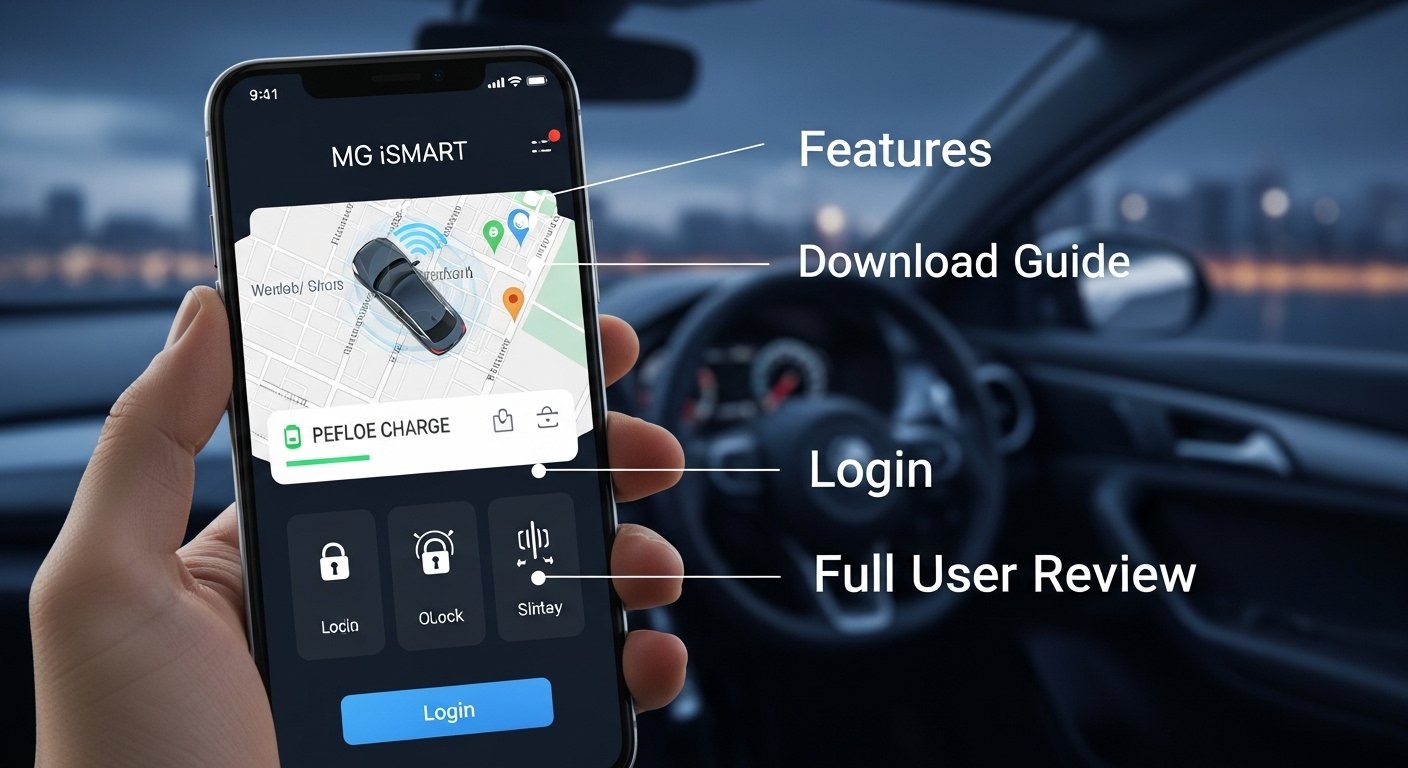
Many people who own an MG car want to stay connected to their vehicle even when they are far away. This is where the MG iSMART app comes in handy. The MG iSMART app lets you check your car and control some parts of it right from your phone. It makes daily driving easier and safer. For example, you can see if your doors are locked or turn on the air conditioning before you even get inside. Because of these helpful tools, the MG iSMART app has become popular among MG owners in places like Pakistan, India, and other countries. In this article, we will explore everything about the MG iSMART app in simple steps. We will cover its features, how to download it, the login process, and a full user review. By the end, you will understand if this app fits your needs.
What Is the MG iSMART App?
The MG iSMART app is a smart tool made for MG car owners. It connects your phone to your MG vehicle through the internet. This connection lets you talk to your car from anywhere. Over time, MG has improved the app to work with many different car models, such as electric ones and hybrid cars. The app works on both Android phones and iPhones.
You need an MG car that supports connected features for the app to work best. Not every MG model has all the same tools, but most newer ones do. For instance, if you drive an MG HS or MG4, the app shows extra details about battery life. This means the MG iSMART app turns your phone into a remote control for your car. It helps you feel more in charge of your vehicle every day. Next, let us look at the main things it can do.
Main Features of the MG iSMART App
The MG iSMART app has many useful features that make life simpler. First, there is the remote control section. Here, you can lock or unlock your car doors from your phone. Imagine you left the car in a busy parking lot and worry about the doors. With one tap, you can check and fix it right away. In addition, you can honk the horn or flash the lights to find your car in a crowded place. This feature saves time and reduces stress.
Another great part is checking the car status. The app shows fuel level, battery charge for electric cars, and tire pressure. It also tells you the exact location of your MG vehicle. For example, if you forget where you parked, the app helps you walk or drive straight to it. Because it updates in real time, you always know what is happening with your car.
The MG iSMART app also lets you control the air conditioning. You can turn it on or off and set the temperature before you reach the car. On a hot summer day in Karachi, this means the inside feels nice and cool when you sit down. Some models even let you warm the seats on cold mornings. After that, you feel comfortable right from the start of your trip.
Travel tools are another helpful part. You can find your car on a map and send directions to the car screen. In addition, the app shares your live location with family if you have certain MG models. This adds peace of mind during long drives.
Safety features make the MG iSMART app even better. It has a geo-fence that sends an alert if your car leaves a set area. There is also a time fence that warns you about engine start at odd hours. These tools help protect your car from theft. Over time, the app learns your driving habits and shows a smart drive score. It tracks speed, braking, and acceleration to help you become a safer driver. For example, if you brake too hard often, the app gently reminds you to improve.
The MG iSMART app works on smart watches too in some versions. This means you can check basic info without taking out your phone. All these features work together to give you full control and information about your MG car.
How to Download the MG iSMART App on Your Phone
Getting the MG iSMART app is very easy. You start by opening your phone’s app store. If you have an Android phone, go to the Google Play Store. For iPhone users, open the Apple App Store. Next, type “MG iSMART” in the search bar. Make sure you pick the right version because there are a few similar apps. The official one comes from MG Motor or SAIC Motor.
After you find it, tap the download button. The app is free to get, but some features might need a connection plan after the first year in certain countries. The download takes just a minute or two on a good internet connection. Once it finishes, the MG iSMART app icon appears on your home screen. This simple step opens the door to many useful car tools. Because the app updates often, you will see new improvements over time.
Easy Steps for MG iSMART Login and Account Setup
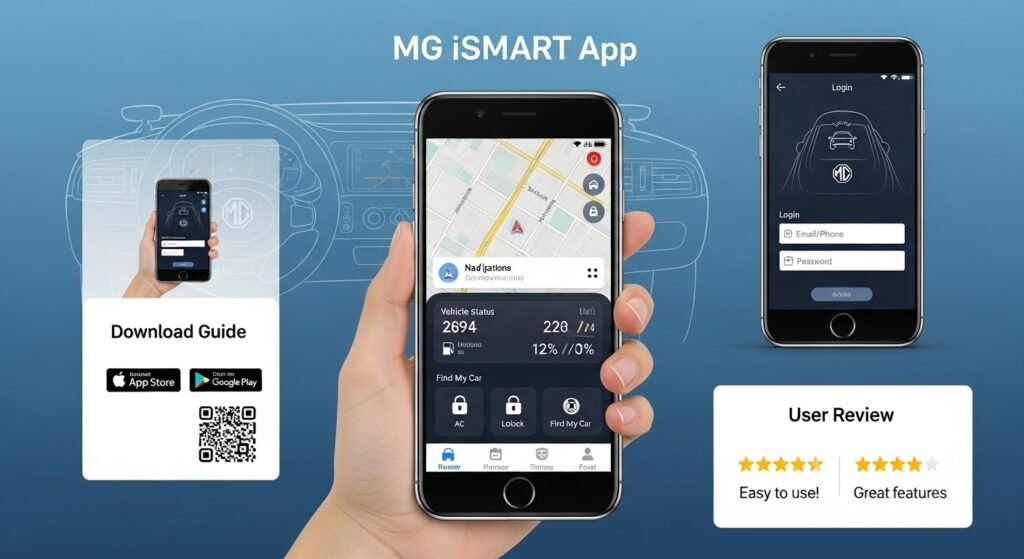
After you download the MG iSMART app, you need to log in or create an account. First, open the app. It will ask you to sign up with your email or phone number. Choose a strong password that you can remember. This step keeps your information safe. After that, the app may send a code to your email or phone for verification. Enter the code to finish setup.
Now you have an account ready. Some people feel nervous about sharing details, but the app uses secure steps to protect you. In addition, you can add a PIN for extra safety. The login process is quick once you do it the first time. Next time, you just enter your details and get inside the app fast. This smooth setup helps beginners feel comfortable right away.
How to Connect Your MG Car to the iSMART App
Connecting your MG car to the MG iSMART app is an important next step. You must sit inside your car for this part. Turn on the infotainment screen, which is the big display in the middle. Look for the settings icon, usually a small gear picture. Scroll down and find the option to bind or connect the vehicle.
The screen will show a QR code or a special number. Now go back to your phone app. Tap the add vehicle button and scan the code or type the number. You have about two minutes to do this, so move quickly. After that, enter your account PIN from the app into the car screen. The MG iSMART app and your car will link together.
This binding process takes a few minutes, but it only needs to be done once. Some models have extra steps, like logging into the car system first. Because the connection uses the internet, make sure your phone has good signal. Once connected, the app starts showing live car data. Over time, you can add a second phone for family members too.
A Full User Review of the MG iSMART App
Many MG owners have tried the MG iSMART app and shared their thoughts. Overall, users find it helpful for daily tasks. For example, one person said the remote lock and unlock feature saved them when they forgot their keys at home. The pre-cooling option also gets praise because it makes hot days easier.
The vehicle status checks work well for most people. They like seeing tire pressure and battery levels without walking to the car. In addition, the find my car tool helps in big shopping centers. Users in 2026 note that recent updates made the app faster and added better smart watch support.
However, some users face small issues. The connection can feel slow sometimes, especially in areas with weak internet. You might need to refresh the app a few times to get the latest info. Setup can confuse new users if they miss the QR code step. A few reviews mention that features depend on the exact MG model, so not everyone gets everything.
Real-life examples show both sides. A driver in a hot city used the air conditioning remote and loved the cool car waiting for them. Another person used the geo-fence when lending the car to a friend and felt safer. On the other hand, one owner said the app needed multiple tries during the first connection. Because of these mixed experiences, the MG iSMART app gets average ratings around the mid-range in app stores. Yet most agree it adds real value once you learn it.
The app does not cost extra at first in many places, which is a big plus. After twelve months, some regions may add a small fee, but owners get notice ahead of time. In summary, the MG iSMART app earns good marks for convenience but could improve speed and ease for everyone.
Helpful Tips and Common Problems to Avoid
To get the most from the MG iSMART app, follow a few simple tips. Always keep your phone and car software updated. This helps the connection stay strong and adds new features. Next, test the remote controls in a safe place first so you know how they work.
If the app feels slow, check your internet signal. Also, log out and log back in sometimes to refresh everything. For common problems like failed binding, make sure you are inside the car and follow the screen steps exactly. Another thing is to read the model-specific guide from your MG dealer because features change slightly.
Avoid sharing your login details with others to keep the car safe. In addition, use the driving score to practice better habits over time. These tips help you avoid frustration and enjoy the MG iSMART app fully.
Conclusion
The MG iSMART app brings many handy tools to MG car owners. From remote locking to status checks and safety alerts, it makes driving smoother and smarter. We walked through the features, showed easy download and login steps, explained the connection process, and shared a balanced user review. Each part builds on the last to give you a clear picture.
Remember, the MG iSMART app works best when you take time to set it up right and use it often. It turns your phone into a helpful partner for your MG vehicle. As technology improves, the app will likely add even more useful ideas in the future. Give it a try and see how it fits your routine. You might find it changes the way you think about your car every day.
Disclaimer: This article is for informational purposes only and is based on publicly available information and user experiences as of 2026. It is not affiliated with, endorsed by, or sponsored by MG Motor, SAIC Motor, or any official company. Features may vary by model, region, and software updates. Always check with your local MG dealer or the official app stores for the most accurate and up-to-date details specific to your vehicle and location. This content does not constitute professional advice.
Explore More:
Job Sheet App for Field Service Management, Work Tracking & Digital Job Reporting
Hot Desk App: Best Desk Booking Solution for Hybrid Workspaces (2026 Guide)
About the Author




