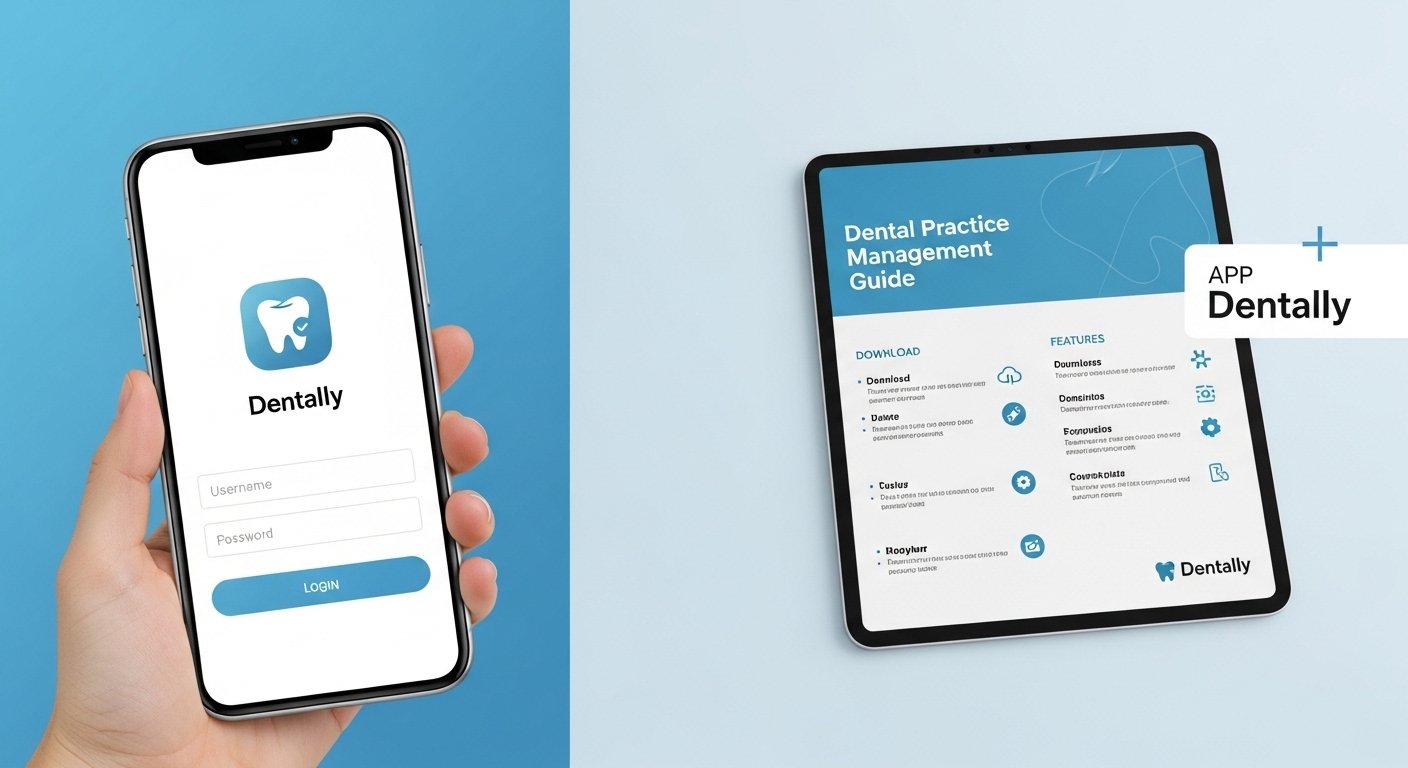
Dentally is a simple tool that helps dental clinics. It keeps all patient information in one safe place. This makes work easier for dentists and their teams. Because everything is online, you can open it from any computer or tablet. In this guide, you will learn how to use the Dentally app. You will see how to download it, how to log in, and what features it has. We will explain everything in very easy steps.
What Is App Dentally?
App Dentally is the mobile and web part of Dentally software. It helps dental practices manage their daily tasks. You can book appointments, keep patient records, and plan treatments. Think of it like a smart notebook that the whole team can use at the same time. For example, when a patient books a visit, everyone sees it right away. This saves time and stops mistakes. The screens are clean and easy to understand. Many clinics like it because it grows with their needs. Over time, it makes the clinic run more smoothly.
Dentally works mostly in a web browser. This means you do not always need to install anything extra. It also has a special app for some devices. Because it is in the cloud, your information stays safe and updates quickly.
Why Dental Practices Need Good Management Tools
Every day, dental clinics do many jobs. They see patients, send reminders, and handle payments. Without a good tool, things can get mixed up. That is why many clinics use Dentally. It puts everything in one place. This helps the team stay calm and work fast.
For example, on a busy morning, the team can check patients in quickly. They can see each person’s history without looking for old papers. In addition, good tools help stop missed appointments. Patients get reminders by text or email. Over time, this means happier patients and fewer empty chairs.
How to Download the Dentally App
Downloading the app is easy. First, you need an iPad or iPhone. Open the App Store on your device. Type “Dentally” in the search box. Find the official app and tap Get. The app will download quickly. After it finishes, you can open it from your home screen.
This app is good for work at the chair or at the front desk. You can check in patients or let them fill forms on the screen. All changes go to the main system right away. Remember, the main Dentally works best on a computer using any web browser. You just need to visit the login page.
How to Log In to Dentally
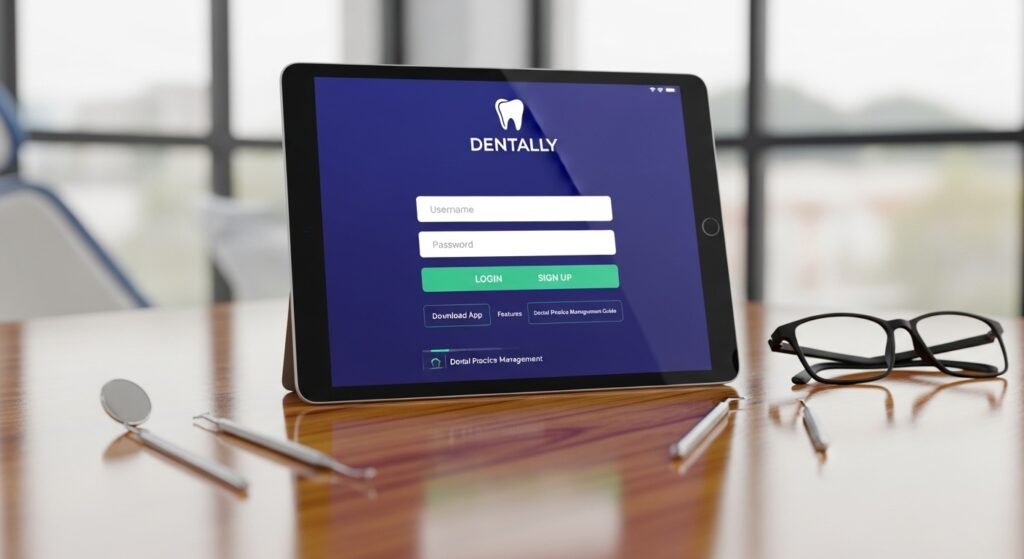
Logging in is very simple. Open your web browser. Go to the Dentally login page. Type your email address. Then type your password. Click the Log In button. You will see the main screen.
If you forget your password, click the “Forgot password” link. An email will come to help you reset it. Always log out when you finish. This keeps your information safe. The system also logs you out after some time if you do nothing. Once you are inside, the screens guide you to your next job.
Main Features of Dentally
Dentally has many helpful features. They are divided into three main parts: clinical, admin, and patient tools. Each part helps the clinic in a different way.
Clinical Features
Dentists use these tools to check teeth and plan care. You can draw on tooth charts with simple clicks. The system saves notes about each tooth. There is also a place to store X-rays and photos. AI helps find problem areas quickly. This means dentists can explain things better to patients. Because everything updates live, the whole team sees the latest information.
Admin Features
Admin tools help with office work. You can send automatic reminders for appointments. This reduces missed visits. The system also makes simple reports. These reports show how the clinic is doing. For example, you can see which patients need to come back soon. There is unlimited space to store all records and images. Data protection keeps everything safe.
Patient Features
Patients can use the Dentally portal from home. They can book appointments, update their details, and sign forms online. This makes visits easier. In the clinic, patients can look at their treatment plan on a tablet and sign it. Because the process is simple, patients feel respected and happy.
How to Use Dentally Every Day
Using Dentally becomes easy with practice. Start your day by opening the appointment book. See who is coming. Check in each patient when they arrive. Open their record to see past notes. This helps you greet them nicely.
During treatment, use the charting tools to record what you see. The system saves everything automatically. After the visit, you can send the treatment plan to the patient’s portal. At the end of the week, look at reports to find ways to improve.
For example, a family clinic can use reminders to keep kids coming for check-ups. The team stays relaxed and patients feel cared for. Over time, these daily steps make the whole clinic run better.
Easy Tips to Start Using Dentally
Here are some simple tips to begin. First, look at the help section inside Dentally. It has clear guides. Ask your team leader to show you one part at a time. Try small tasks when the clinic is quiet. Keep your browser up to date so everything works well.
If you use the iPad app, make sure your account is ready first. Share tips with your team. Learning together makes it faster and more fun. In a few days, you will feel comfortable.
Common Problems and Simple Fixes
Sometimes new users cannot find a button. Use the search bar inside the app. It finds things quickly. If the screen looks different, ask for help from your team or support. The iPad app is good for quick jobs, but the main system works best on a bigger screen.
Always remember to log out for safety. If you get stuck, the support team is ready to guide you. Over time, these small fixes become normal.
Dental Practice Management in 2026
In 2026, tools like Dentally keep getting better. AI helps find problems earlier. Automatic messages save time for the team. Cloud systems make access fast and safe. Practices can see more patients without feeling tired. The connection between clinic and patient tools becomes even stronger. This helps give personal care that feels modern.
Final Thoughts
App Dentally helps with login, download, features, and full dental practice management. It brings patient records, appointments, and treatments together in one place. The tool is easy to learn and helps clinics run smoothly. Start with small steps and practice every day. Good management tools support better care and happier patients.
Technology like this helps dental teams focus on what matters most – taking care of people’s smiles. Keep learning and growing with your practice. Small improvements every day can make a big difference for everyone.
Disclaimer:
This article is for general information only. It is not medical, legal, or professional advice. Information about Dentally may change. Please check the official Dentally website or contact their support for the latest details. This content is neutral and does not promote any product or service. Always verify facts directly from the source before making decisions.
Explore More:
1p Mobile App Download (Android & iPhone) – Login, Setup & Latest Update
Thursday App – Download, Login, Features & How It Works (2026 Guide)
About the Author




